Editing
Editing
Editing
Editing

Add music

Add music

Learn how to add intro and background music to your videos with the Riverside editor. Choose from stock audio or upload your own tracks, adjust volume, and add effects seamlessly. Watch this tutorial to enhance your content effortlessly!
Chapters
00:00
Introduction

Recommended Videos

How To Prepare Guests To Attend a Riverside Recording
This video will walk you through how to get set-up on Riverside and prepare your guests so they feel comfortable before you hit record.
Watch video
Riverside Dashboard Walkthrough
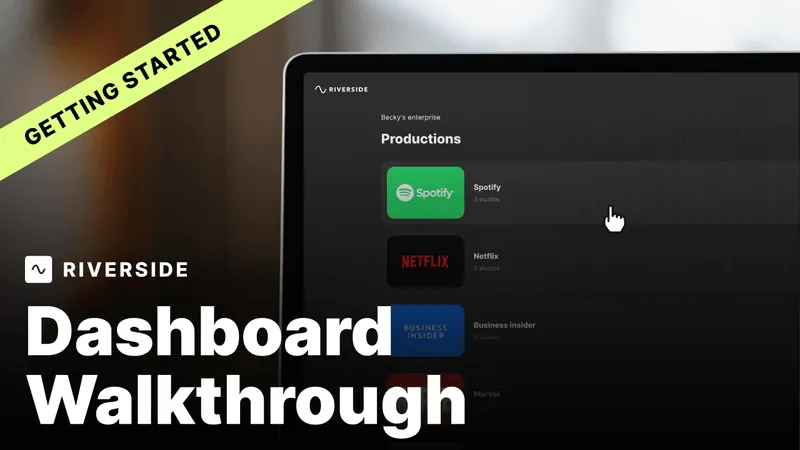
Learn how to navigate through the Riverside dashboard where you can create and manage your recordings studios. We'll walk you through where to find studio recordings and how to share or download these high-quality audio and video tracks.
Watch video
Checklist for Smooth Recording with Riverside
Review a checklist to help you prepare the perfect setting, audio set-up and more for the best recording experience with Riverside.
Watch video

Start creating with Riverside

Get Started
*No credit card needed. Free plan available.