No items found.

Produce remotely with full control and studio-quality results

Scale content creation without compromising on quality,
while seamlessly collaborating with all your stakeholders in one place.

Producing with Riverside
Icons and labels for various video content types including Video interviews, Podcasts, Webinars, Customer testimonials, Shorts, Reels, Product demos, Livestreams, Social media content, Virtual conferences, Announcement videos, Case studies, Tutorial videos, Educational videos, and Thought leadership videos.List of content types with icons: Podcasts, Webinars, Shorts & reels, Customer testimonials, Video interviews, Livestreams, Case studies, and a grayed-out Product demos.

Superior quality for professional results

Riverside records all participants locally, ensuring top quality and delivering separate, synced tracks for greater control and flexibility in post-production.

4K video quality

4K video and
uncompressed audio

Smiling man with a beard wearing tortoiseshell glasses and a black shirt in front of a patterned gray wall.
Unmute
Mute

Produce studio-quality content, no studio required.

Why producers like you choose Riverside

Portrait of a smiling middle-aged man with short gray hair wearing a black shirt against a blurred outdoor background.

“We get really clean, high quality audio recordings for each guest and host. It works beautifully in the workflow with our audio engineer and editor.”

Rob Goodman
Executive producer
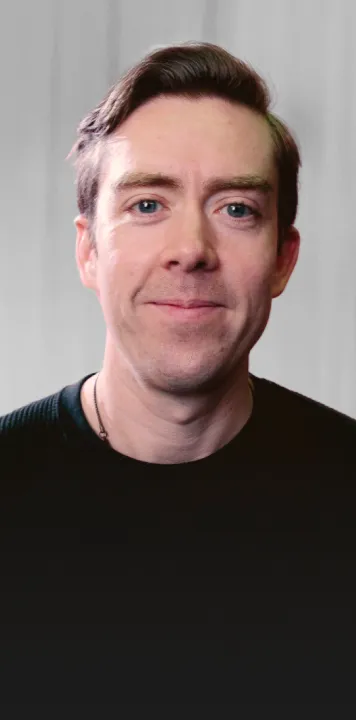
Portrait of a smiling man with short brown hair, light skin, and blue eyes wearing a black shirt in front of a light grey background.

“Riverside enables the speed of production, and it’s just so much easier”

Miles Ewell
Senior Director of production technology
Man with a beard wearing black headphones and a dark shirt smiling indoors.

“It's really saved a lot of time being able to have the editors have direct access to the footage.”

Jamie Bentien
Senior Producer
Young man with dark tousled hair smiling against a dark background.

“We loved that after the recording was done, we had the separate video, audio, and all the files together, making post-production just as easy as production."

Richard Granger
Creative Producer
Portrait of a middle-aged man with short gray hair wearing a black shirt, smiling outdoors with blurred greenery in the background.

“We get really clean, high quality audio recordings for each guest and host. It works beautifully in the workflow with our audio engineer and editor.”

Man with beard wearing black headphones smiling in front of a white wall with framed documents.

“It's really saved a lot of time being able to have the editors have direct access to the footage.”

Portrait of a smiling man with light skin and brown hair wearing a black shirt against a gray background.

“Riverside enables the speed of production, and it’s just so much easier”

Smiling young man with short brown hair against a dark background with blurred lights.

“We loved that after the recording was done, we had the separate video, audio, and all the files together, making post-production just as easy as production."

Pre-production
made simple

Schedule with ease

Schedule with participants using one-click join links set to grant different levels of access.

Customize settings

Adjust studio settings like audio and video resolution, frame rate, multi camera angles, branding, and more.

Set up the teleprompter

Display your script in the built-in teleprompter and share it with guests for a smooth, professional delivery.

Upload media and presentations

Add media files to the media board to play during your session and upload presentations in advance for your guests to present.
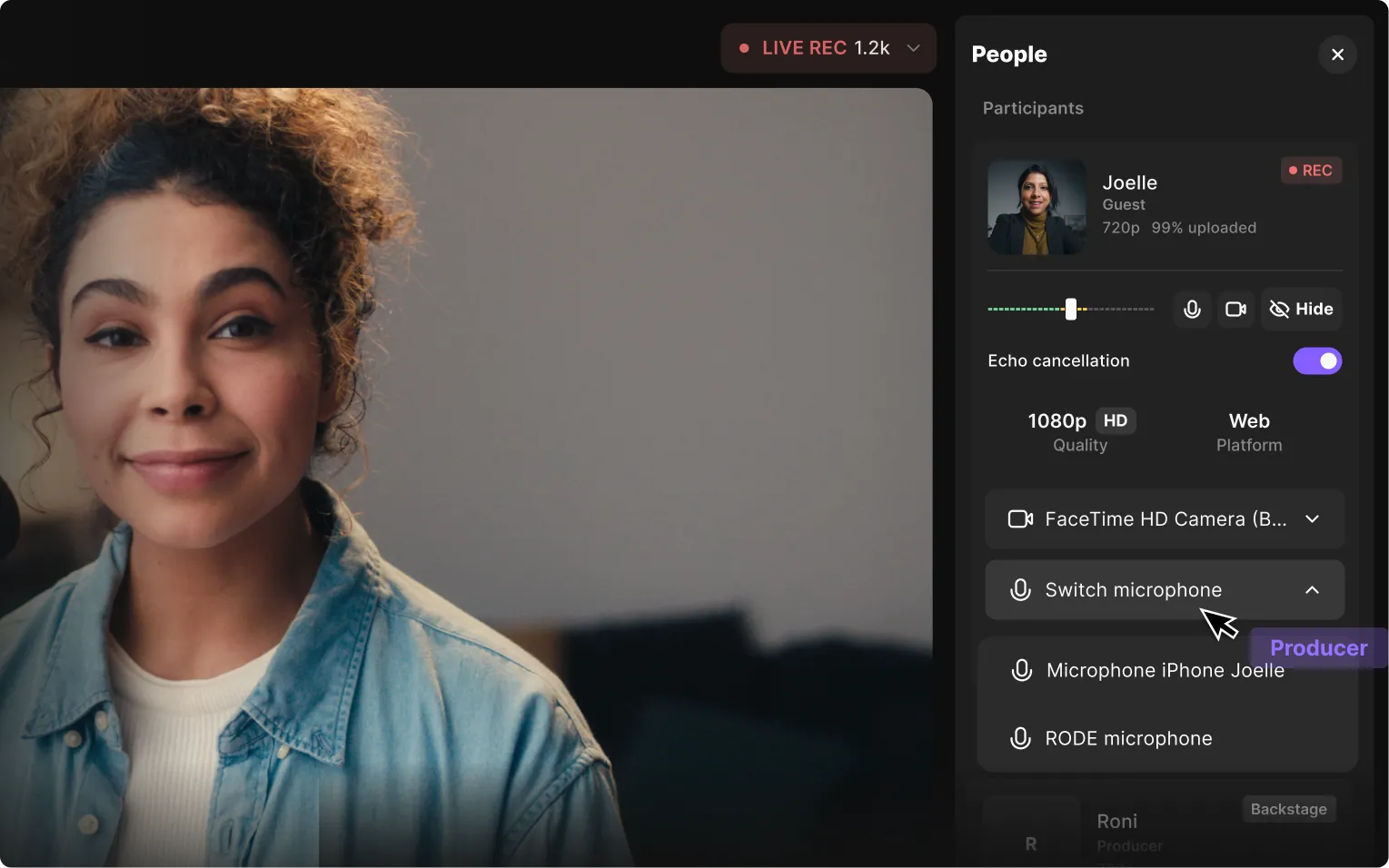
Young woman with curly hair smiling during a live video call with microphone and camera controls visible on screen.

Manage live sessions 
with total control

Manage live sessions
with total control

Producer mode

Manage the technical aspects of recordings and live streams without being recorded.

Control equipment & settings

View the equipment each participant is using, adjust as needed, and modify their audio and video settings.

Control the screen

Easily display presentations or share your screen, and preview media, text, and links before showing them live.

Manage the audience

Admit participants, accept live call-ins, and engage with the audience through the livestream chat.

Assist guests & hosts

Chat with guests and hosts in the studio chat, and step in freely to resolve any issues that arise.

Seamless post-production to beat every deadline

Seamless post-
production to beat
every deadline

Progressive uploading

All participants’ recordings upload during your live session, so you can start editing immediately.
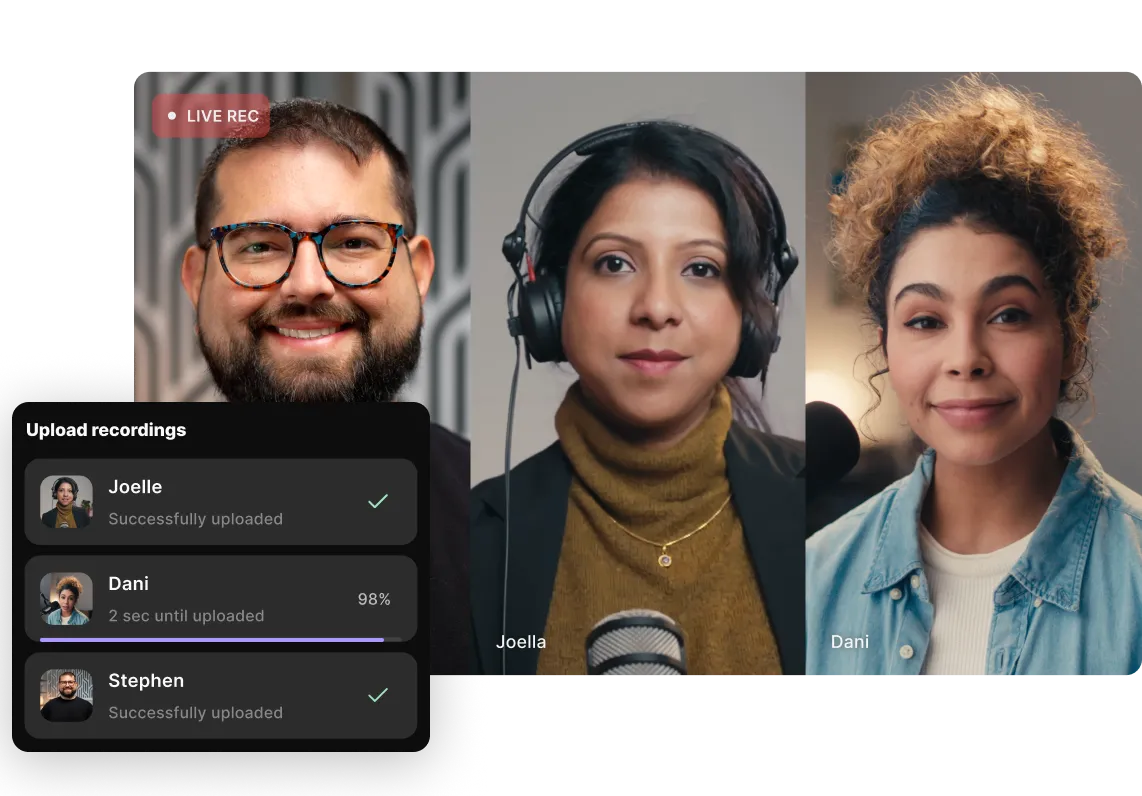
Video conference with three people: a smiling man with glasses, a woman with headphones and a microphone, and a woman with curly hair in a denim jacket, alongside an upload status panel showing recordings from Joelle and Stephen successfully uploaded, Dani at 98%.Three people in a video call with an overlay showing upload status: Joelle and Stephen successfully uploaded, Dani uploading at 98%.

Separate & synced files

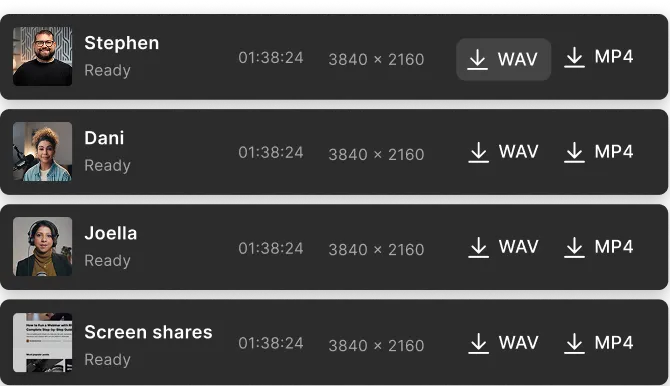
Get separate and synced files for audio, video, and screen shares for each participant.
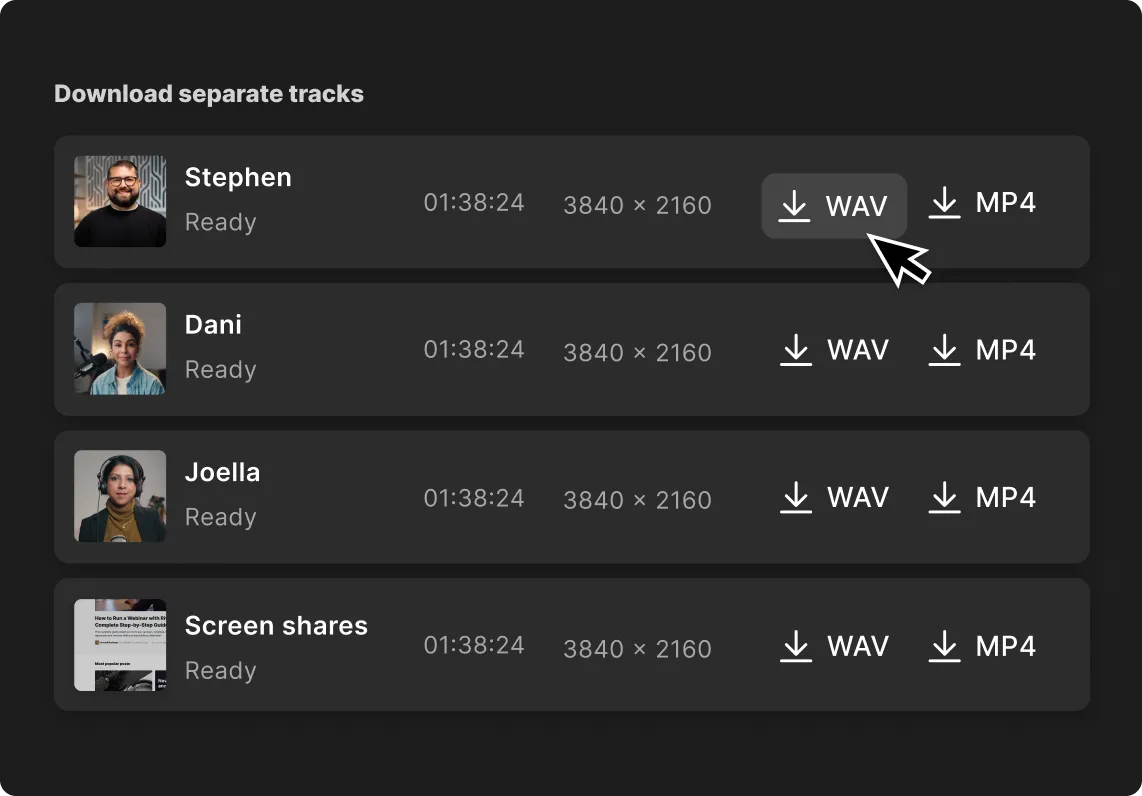

Interface showing download options for separate tracks labeled Stephen, Dani, Joella, and Screen shares, each with duration 01:38:24 and resolution 3840 by 2160, with selectable WAV and MP4 download buttons.

Download separate tracks

List of four participants named Stephen, Dani, Joella, and Screen shares, each showing a timestamp 01:38:24, resolution 3840x2160, status Ready, and buttons to download WAV or MP4 files.

Non-destructive editing

Edit without altering the original, and export an xml with all comments, edits, 
and markers for easy collaboration.
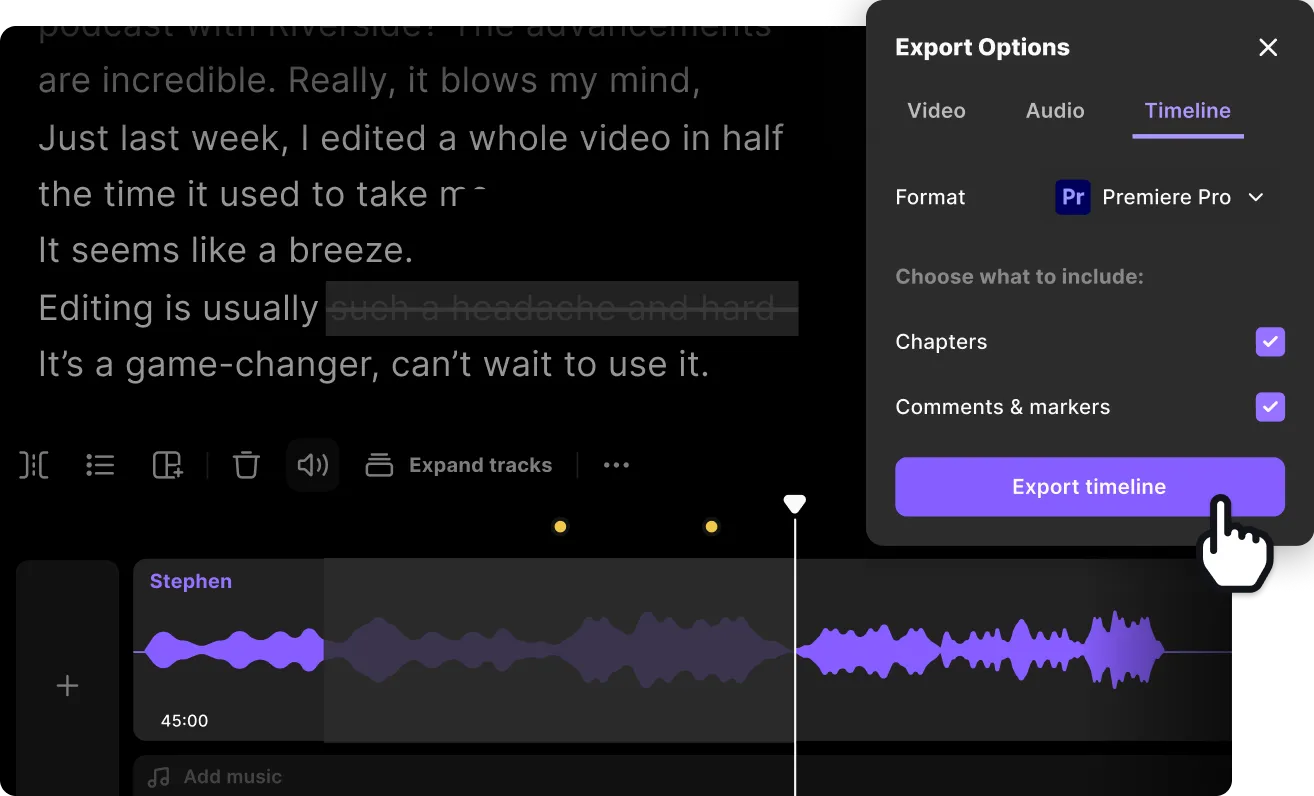

Audio editing timeline with Stephen's waveform at 45:00 and an export options menu for Premiere Pro set to export timeline including chapters and comments, with a cursor clicking 'Export timeline' button.

Frictionless collaboration

Give anyone access to the files and editor to comment and contribute, ensuring a seamless workflow.

User interface showing team members with emails, roles as Admin, production counts, and an input field with role dropdown to invite a new user.

AI powered editing

Save time on editing with AI that instantly enhances audio and removes fluff, silences, and filler words.
Purple AI icon in the center surrounded by various editing and effect icons on a black background.

Transcriptions & shownotes

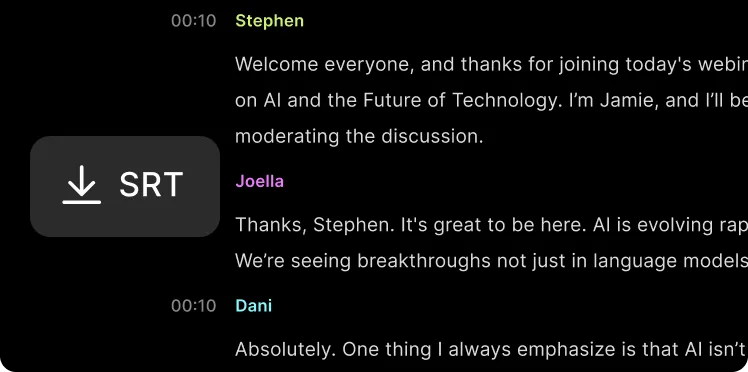
With just one click you get transcriptions and show notes to use for repurposing content, creating summaries, and more.
Partial transcript of a webinar discussion on AI and the future of technology, featuring speakers Stephen, Joella, and Dani.

Made with Riverside

Michelle Obama
& Kerry Washington
Michelle Obama
& Kerry Washington
Tim Ferriss
& Balaji Srinivasan
Tim Ferriss
& Balaji Srinivasan
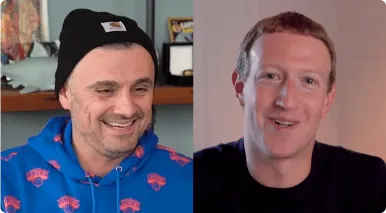
Split-screen image of two men smiling, one wearing a black beanie and blue hoodie, the other with short hair in a dark shirt.
Mark Zuckerberg
& Gary Vee
Tim Cook
& Andrew Ross Sorkin
Tim Cook
& Andrew Ross Sorkin

Remote production just got a lot simpler.