Your videos, ready for
a much bigger audience.

Your videos,
ready for a much
bigger audience.

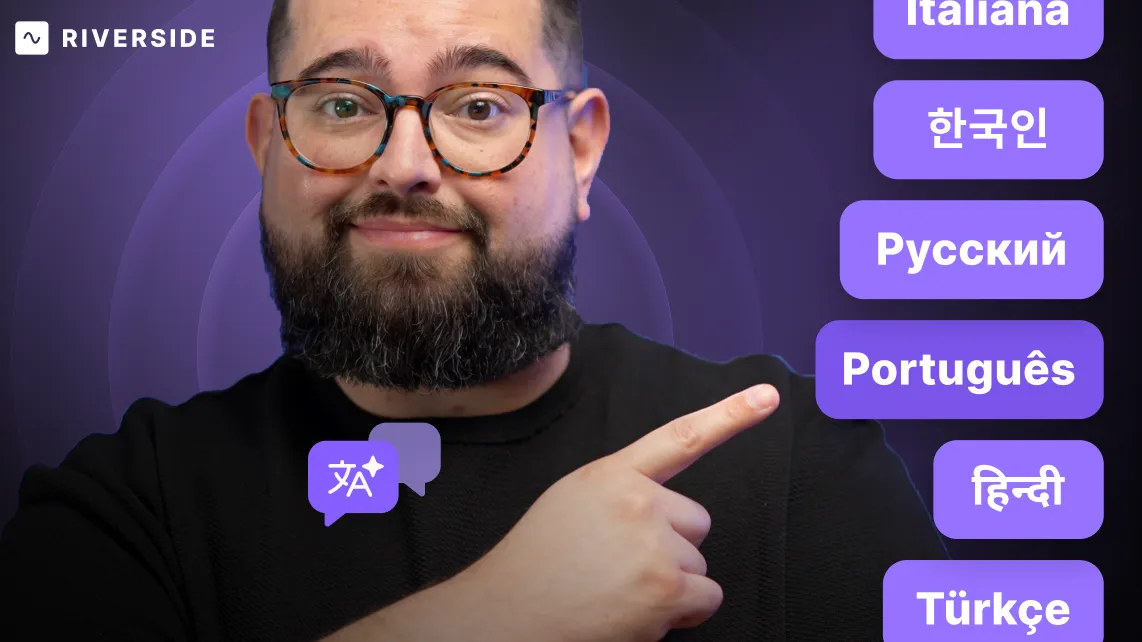
Translate, voice, and lip sync your recordings in 30+ languages with a little help from AI. Same voice. Every nuance. Zero hassle.

Listen
Mute
Unmute
Mute
Trusted by individuals & businesses

Let you content go where it's never gone before.

Localize

podcasts, webinars, and social ads for international audiences.

Translate

promo videos, testimonials, and case studies for different markets.

Adapt

company updates and training materials for diverse teams.

Grow the most out of every recording.

Make every asset multilingual, ready to reach new audiences, explore new platforms, and boost your brand presence.
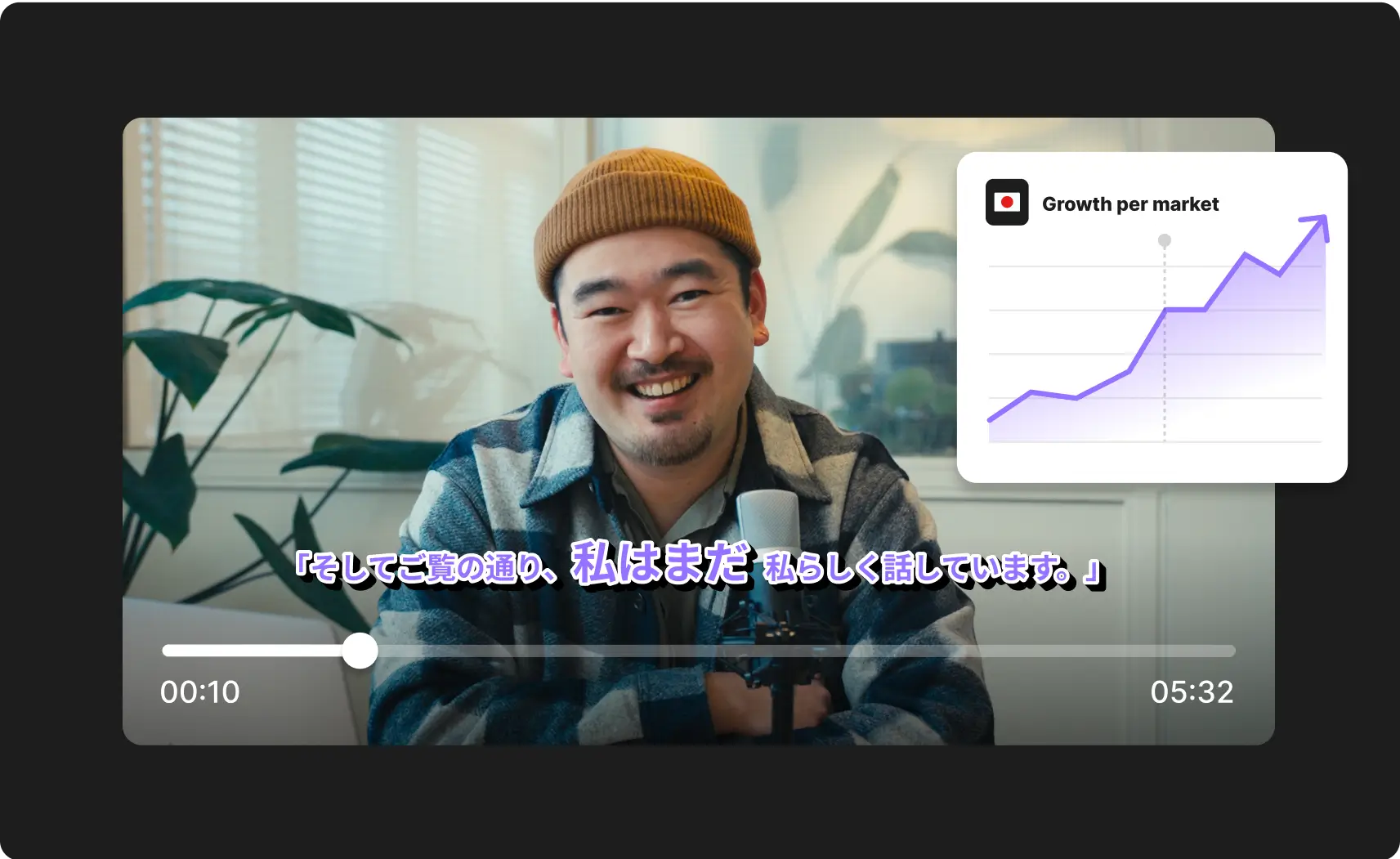
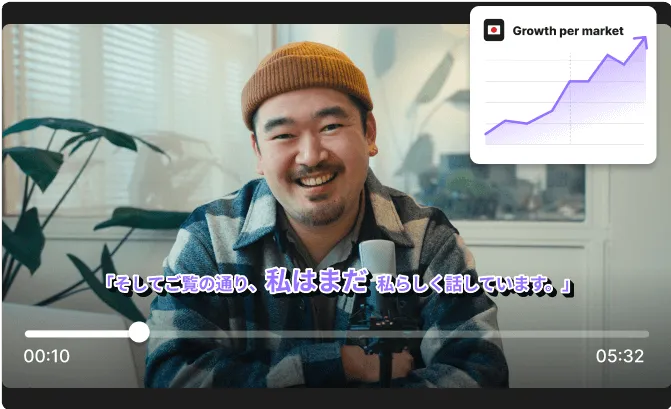
Smiling man wearing a brown beanie and plaid jacket speaking into a microphone with a growth per market chart overlay on the top right.Smiling man wearing a brown beanie and plaid shirt speaking into a microphone, with a video progress bar and a graph labeled 'Growth per market' in the top right corner.

Better overdubbing, minus the overhead.

AI takes care of the translation, dubbing, and lip sync, cutting out tedious production steps and saving you hours of extra work.
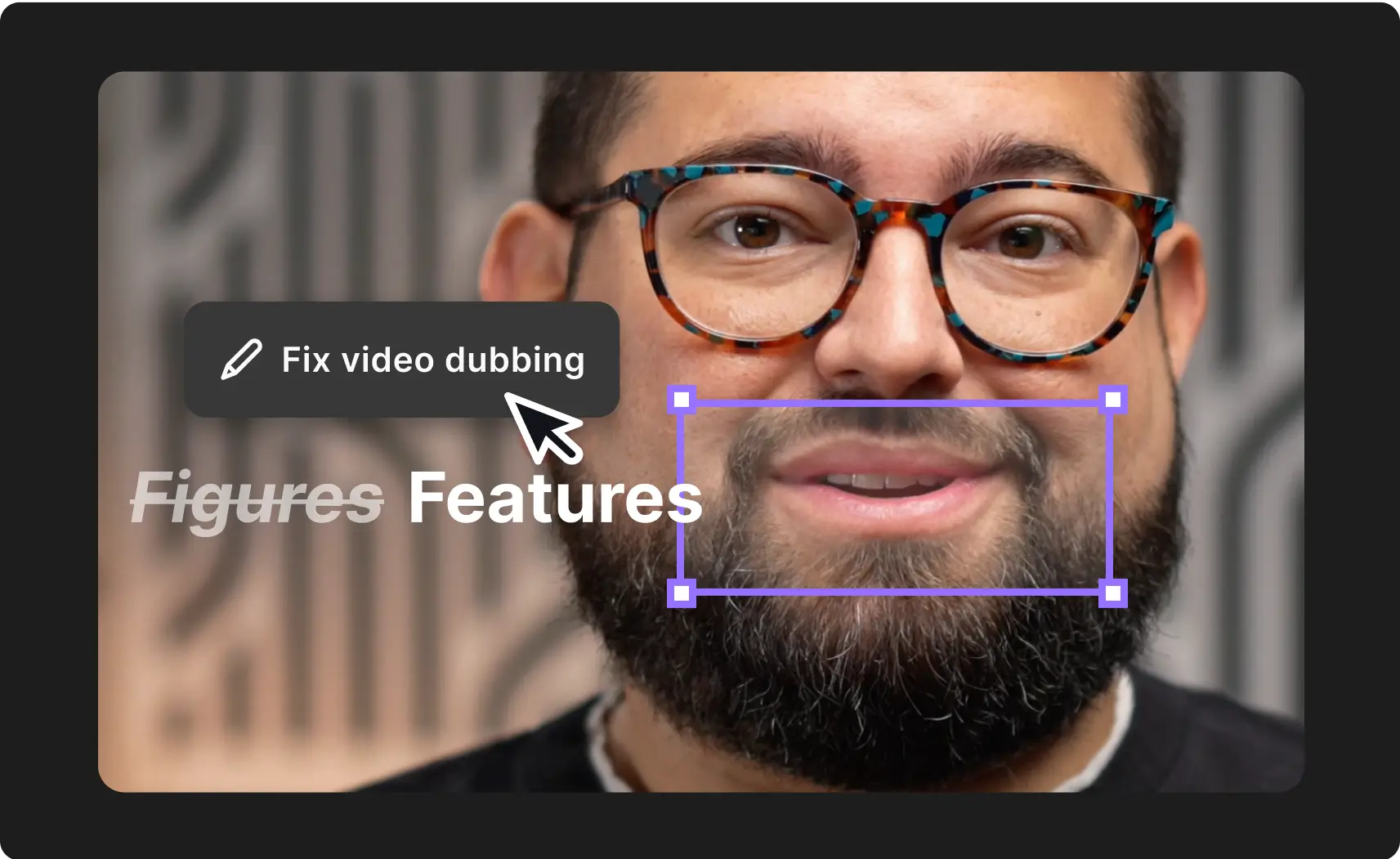
Close-up of a man with glasses and a beard smiling, overlaid with text 'Figures' crossed out and 'Features' bolded, with a cursor pointing to 'Fix video dubbing' button.Close-up of a man wearing tortoiseshell glasses and a beard with an overlay text editing box showing 'Fix video dubbing' and words 'Figures Features'.

All translating into engagement.

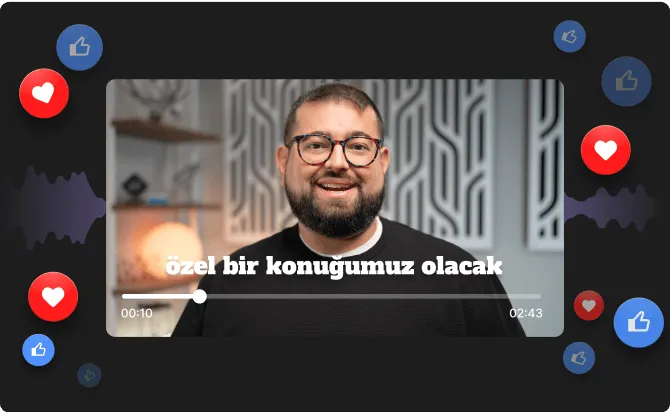
Your translated recordings won't just sound right. They'll feel right. And that‘s gonna show in likes, comments, and shares.

Smiling bearded man wearing glasses in a video player with Turkish text and social media reaction icons floating around.Bearded man with glasses smiling in a video player interface with Turkish text and floating social media reaction icons.

How it works

01
Choose the recording or edit you wish to translate.
02
Set the language and whether to sync lips to the new audio, too.
03
Hit “Translate” and let AI generate a natural voiceover in your selected language.

Frequently Asked Questions

FAQ

What exactly does AI Translation do?

AI Translation automatically translates your video’s spoken content into 30+ languages. It generates realistic AI voices for each speaker, syncs their lips to match the new audio, and translates the full transcript.

Will it do all that for guests, too, or only the host?

AI translation will do all of that for up to 4 speakers per video – host or guests – for now. We’re always changing things up for the better so you can expect the number of speakers to go up, too.

Can I translate uploaded videos, or only Riverside recordings?

You can use AI Translate on both videos you upload and Riverside recording, as long as they’re under 60 minutes, which is the current limitation on recording length.

Do I need to re-record anything to make this work?

Nope. No reshoots, voiceover actors, or additional editing needed.

Will the translated voices still sound like me and my guests?

Yes! AI Translation uses speaker-specific voice cloning to create natural-sounding translations that closely match each person’s original voice and tone — just in a different language.

Does lip sync happen automatically?

Yes, if that’s what you want. In other words, lip sync is optional — you can choose whether or not to apply it during the translation process. If you skip it, the translated audio will still be perfectly timed, just without matching mouth movements.

Can I edit the translated version like I would a regular Riverside recording?

Yes — the translated transcript is fully editable, and you can use all of Riverside’s text-based editing tools just like you would with the original.You can trim, cut, split and splice, generate new Magic Clips from it, add captions, and anything else you’d like.

What language will the captions be in?

Currently, you can only add captions in the same language spoken in the recording. The same goes for the original recording and the new, translated one.

However, If we see there’s demanded for captions in more languages, we’ll look further into adding that as an option. Be sure to let us know if that’s something you’d find useful.

How long does the translation process take?

Translation takes roughly 20 minutes per 1 minute of video. So for example, a 30-minute video might take up to 10 hours to complete. We’ll notify you by email when the entire thing is ready.

Will this be available on all plans?

At this stage, it’s exclusive to Business plans. We’re collecting feedback and may consider broader rollout options in the future — stay tuned!

Greater reach. Better engagement. A fraction of the cost.

Greater reach.
Better engagement.
A fraction of the cost.