Create recording-ready scripts in minutes with our free AI script maker. Simply add your topic, use the filters to refine your prompt, and click to generate your script or outline. An AI script writer at your fingertips.


Type in your topic or idea to get started. The more context you provide, the better the end script will be.
Choose a script format. Then set the length, tone, use case, and audience. Add a co-host or guest(s), or let AI suggest a fit.
Click "Generate Script" and watch as Riverside’s script-writing AI brings your idea to life.
Edit your script if needed. Then copy it to paste elsewhere, or download your script as a text file.


Go from blank page to full script in seconds. Just input your topic or talking points, and our AI will instantly transform rough ideas into structured scripts or outlines made to engage.

Not two recordings are ever the same. From beginners’ tutorials, to expert webinars and podcast shows, Riverside’s AI script generator adapts your script to fit your tone and your audience’s needs.

Running on a tight budget or schedule? Sourcing skilled script writers is time-consuming and expensive. Riverside’s AI helps you get the episode outline or script you’re after at no cost in minutes.

Upload your script, outline and questions to Riverside’s built-in teleprompter to deliver your lines with confidence. Pause, speed up or down, and replay at the click of a button.

Get the AI transcript of your recording automatically in Riverside. Simply edit the text in the transcript to edit your video, Trim your recording, remove or correct tongue slips easily.

Create and share your content in one smooth workflow. Generate scripts, record in 4K, edit in minutes with text-based editing and AI tools, repurpose for social media in one click and more.
The best AI script generators allow you to provide context with your prompts and have been trained on the subtle art of engaging storytelling.
Choose a tool that allows you to streamline the creation process. Start with scripting, then record, edit, and repurpose your content from one place.
Look for script generating software that lets you shape the input. Like letting you choose the script format, tone, audience, or length, so the output helps you achieve your goals.


Choose a tool that’s intuitive and easy to figure out. It should be as simple as typing in a topic, customizing controls, and clicking to generate your script.
Check your AI script maker actually allows you to grab your script. Maybe you just need to copy the text as is, or maybe you want to download a .txt file to save on your device.
Nowadays, you can find free AI script generators online that do a good job. If you decide to pay for a more advanced tool, make sure it’s worth the cost.
Whether you’re scripting long videos or shorts, go from idea to finished content fast. Break through creative blocks and keep on track with structured, audience-ready scripts in seconds.
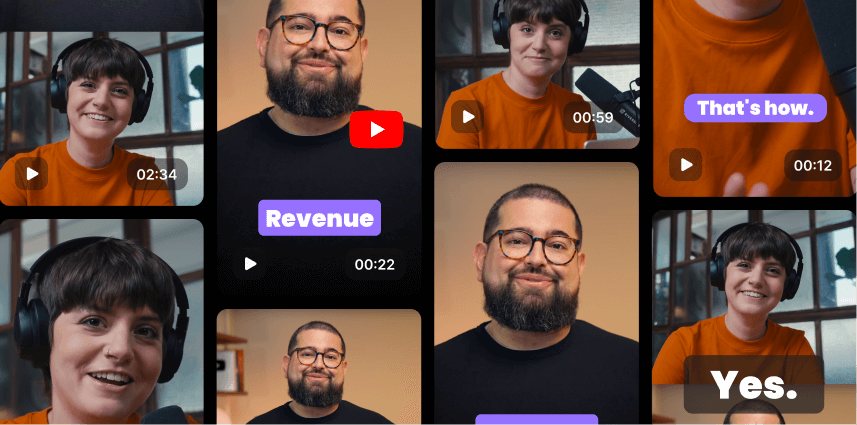
Use a script creator to generate podcast scripts, interview questions, and guest prompts. You’ll have everything structured so you can focus on the conversation, not the prep.

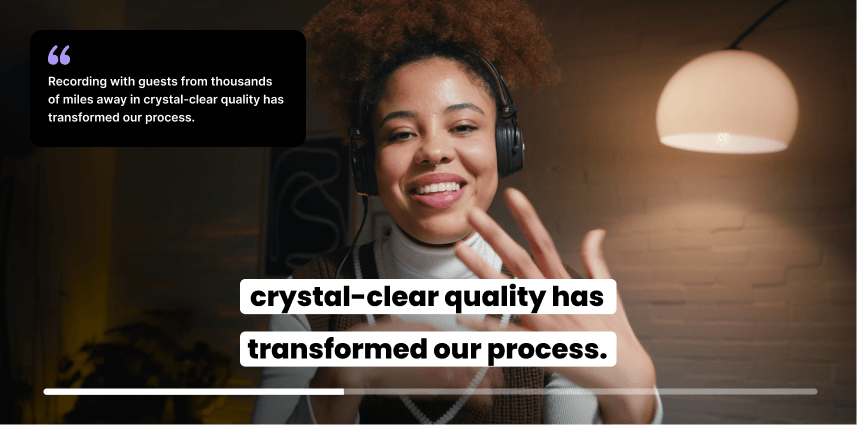
Generate testimonial scripts to make it easy for your customers to support you, or tailor smart, open-ended questions that prompt real, engaging answers. Perfect for social proof that doesn’t sound forced.
Let AI help you simplify complex educational materials in minutes. Use an AI script creator to generate course outlines, lesson plans or webinar blueprints based on your goals and audience. Define your topic and let AI do the rest.

The cost of AI script generators varies widely, from free to upwards of $60 per month. Premium services offer additional features like custom tone and voice incorporation.If you want to save on cost, you can also opt for a platform that offers scripting, recording, editing and repurposing in one place, like Riverside. This means you can generate your script, record in high-quality video and audio, and edit your recording with zero friction!
There are many ways to generate scripts for interviews or virtual events using AI. You can use tools like ChatGPT or Gemini to get some basic scripts or outlines. A more sophisticated option is to use Riverside's AI script generator. It is a custom-made AI tool that is 100% free to use - as many times as you want, too.
All it takes is 4 easy steps to generate outlines or scripts for your podcast interviews, webinars, and more and tailor them to your needs. Simply:
1. Type in your topic or prompt in the ‘Script subject’ field.
2. Choose the format, duration, audience, use case and tone of voice.
3. Click “Generate Script” to get AI to create one for you.
4. Download or copy your free AI script.
Yes, ChatGPT can help with basic scripts and outlines. The better your prompt, the better the output, but if you're a creator, a professional marketer or a podcaster, you'll get better results using a specialized tool for creators.
With ChatGPT, you need to know how to build your prompt properly to get good results. Most often, you'll find you need to go back and forth until you get to a usable output.
An AI script generator has done the prompt legwork for you, making it easier to get good results fast.
If you use Riverside’s free AI script generator, it’s super easy to tailor the results based on the format (podcast, interview, webinar etc), the duration, the tone and more.
AI is a powerful assistant that can empower creators, teams and scriptwriters.
Especially if you're a solo-creator who managed every aspect of content creation from A to Z, from ideation to set up to distribution, then AI can be super useful. It helps speed up routine tasks, like creating drafts, or overcome creative blocks through creative brainstorming.
It’s also great when it comes to editing and improving the quality of a script.
The magic still comes from your own unique voice, your ideas, and your creativity.
In principle, yes. Using AI to assist you with writing your content is completely legal. Not only that, but you also own the rights to your content.
However, there are nuances you should be aware of. The key being in the role AI plays in your content creation process and output. Work that is 100% generated by AI cannot be legally copyrighted and automatically becomes public domain.
This is mostly a matter of preference, but it also depends on things like:
Scripting your content helps you stay on track and gives you a clear vision from the get-go. If you’re recording solo, having the full script in advance means you can upload it to a teleprompter, minimizing tongue slips or having to re-record.
Not scripting your content leaves more room for you to go off on tangents or miss important points, especially while interviewing guests. But, some creators and professionals feel it stunts them from being truly authentic in front of the camera.
As a starting point, it’s good to have a plan before you start recording. Even if you choose to not generate a full script, creating an outline or documenting the core interview questions for your guests can help you ensure you make the most of your recording time.
We’ve got a whole guide on scripted vs unscripted content, if you want to dive deeper into the topic.
From first word to sharing with the world.


.webp)
-p-800.webp)


