


Key takeaways:
- Podcast directories like Apple Podcasts and Spotify are where people listen to your show.
- Directories don’t host your audio. They read your RSS feed from a podcast host like Riverside to pull in episodes and metadata.
- Submit your podcast to the major platforms, such as Apple Podcasts and Spotify, first, as that’s where most listeners discover shows.
Podcast directories are the bridge between you and your podcast audience.
That’s why if you’re serious about getting your podcast in front of as many eyes as possible, you need to post it in multiple directories.
In this guide, I’ll break down how podcast directories work and which platforms you should prioritize to give your show the best chance to grow.
What is a podcast directory?
A podcast directory is a listening app or platform where people find, follow, and play podcast episodes. Popular examples include Apple Podcasts, Spotify, and YouTube.
Directories don’t host your show.
First, you upload your audio or video files to a podcast host. This stores your episodes, manages your show details, and generates your RSS feed.
You'll use this RSS feed to connect to your directories. Once you’re approved, directories automatically pull in new episodes every time you publish in your host. Listeners can then stream or download episodes from their preferred directory app.
People use different listening platforms. If your show isn’t available where they already listen, they may never find it. Broadening your distribution through the right directories positions your podcast for growth.
How to submit your podcast to a directory
Before you start, make sure you have:
- An RSS feed from your podcast host.
- At least 1 published episode.
- Your show details (title, description, category).
- Cover art that meets platform requirements (typically 1400 x 1400 to 3000 x 3000 pixels, JPG/PNG, RGB).
- A valid email connected to your feed.
Step 1: Copy your RSS feed URL
Your podcast hosting platform generates this automatically.
It includes your show details and episodes, and serves as the address the directory uses to fetch and display your content.
You’ll usually find it in your settings, labeled ‘RSS Feed,’ ‘Distribution,’ or ‘Feed Details.’ For example, if you’re using Riverside as your podcast host, open your studio dashboard and go into Settings → Hosting to copy the link provided there. That’s the URL you’ll submit to platforms like YouTube, Spotify, and other directories.
One nice bonus with Riverside is that you can record your podcast, edit it using the text-based editor, and generate your RSS feed all in the same place. This way, publishing feels like one continuous workflow.
Also, double-check your feed includes your artwork, metadata, and at least 1 published episode.
Step 2: Create an account with the directory (if required)
Some platforms require an account to submit your show, like:
- Apple Podcasts: Podcast Connect (linked to your Apple ID).
- Spotify: Spotify for Creators.
- YouTube: YouTube Studio
Not every directory requires an account. But having one usually lets you monitor analytics, manage your listing, and verify ownership.
Step 3: Submit your RSS feed for indexing
Paste your RSS feed URL into the directory’s submission page.
Most platforms validate it automatically and may email you to confirm ownership.
Step 4: Wait for approval
Approval timelines vary by platform. Some are almost instant, while others review submissions manually.
During this time, avoid editing your feed, resubmitting, or changing your artwork, as these can delay approval.
Step 5: Your show goes live
Once approved, your podcast becomes searchable in that directory. You don’t need to resubmit new episodes, as the directory will pull updates automatically from your RSS feed.
If you want to change show details (like your description or cover art) later on, update them in your host. Those changes will be pushed to all directories through the RSS feed.
Step 6: Repeat for each directory you want to appear in
There’s no universal ‘submit to all’ button. You’ll need to repeat this process for each platform you want your podcast to appear in. Some podcast hosting platforms, such as Riverside, offer one-click submission to a few major directories, but not all.
For an in-depth guide, check our article on how to publish a podcast.
Pro tip: Keep a simple tracker or checklist so you know where your show is submitted and where it’s pending.
Best podcast directories: Full overview
Must-have podcast directories to upload your show to
These directories account for most podcast listening. If you’re only submitting to a few places, start here, as these give you the widest reach and the highest discovery potential.
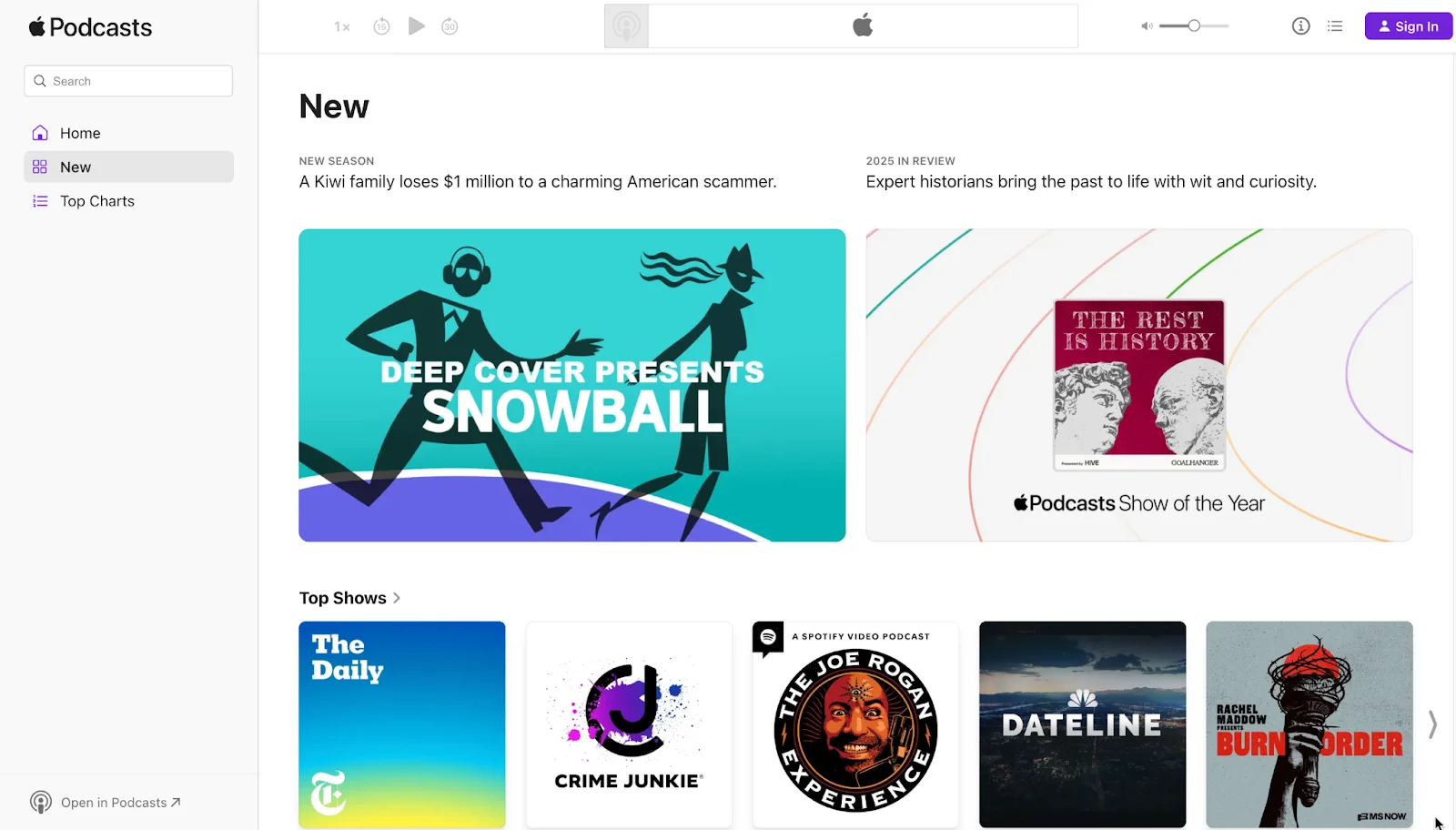
Apple Podcasts
Supports video: Yes
Apple Podcasts is one of the most influential podcast directories worldwide.
It’s so important that many third-party listening apps pull from Apple’s directory. This means once approved, your show may automatically appear in apps like Overcast, Pocket Casts, and Castro.
You’ll publish your show through Apple Podcasts Connect using your RSS feed and an Apple ID. After submission, Apple validates the feed and may send a verification email to confirm ownership. Approval usually takes 1–5 days and in many cases, it’s faster if your feed meets all requirements.
Before submitting, double-check that your show meets Apple’s guidelines:
- Cover art must be square and sized between 1400 x 1400 and 3000 x 3000 pixels (JPG or PNG).
- Your RSS feed includes complete metadata (title, author, category, and show description).
- Content follows Apple’s formatting and policy rules (no keyword stuffing or restricted terms).
Once approved, Apple automatically pulls new episodes from your RSS feed. Your show also becomes eligible for category rankings, charts, and editorial placement, which can further boost discoverability.
Inside Podcasts Connect, you’ll find analytics including listening time, follower growth, and episode completion rates. These are useful signals to understand how Apple’s audience engages with your content.
For a full guide, go to How to publish a podcast on Apple Podcasts
Pro tip: Reviews help your show get noticed on Apple. If you can, ask early listeners to leave a quick rating.
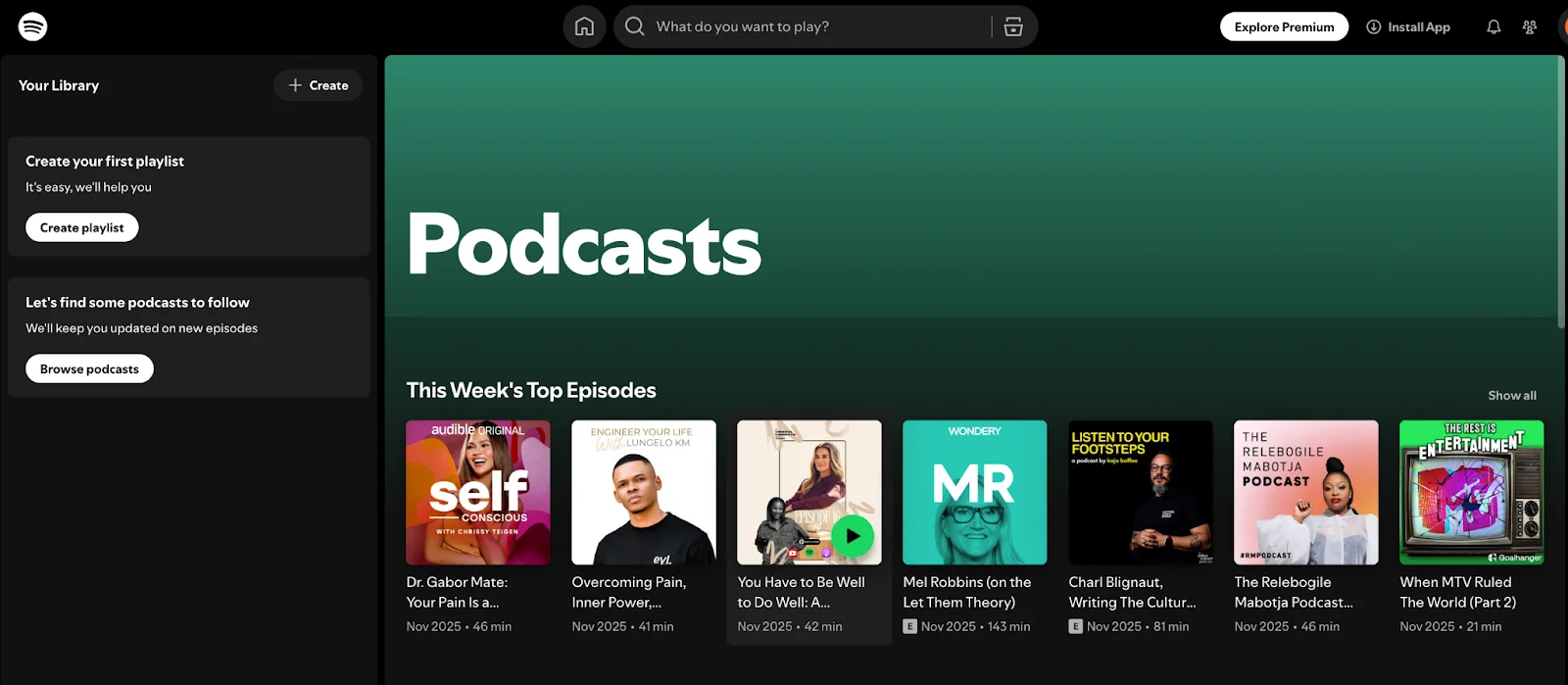
Spotify
Supports video: Yes
Spotify is one of the biggest hotspots for new podcast discovery. With over 700 million users, your show can reach people who might never open a traditional podcast app.
Personalized recommendations, algorithm-driven suggestions, charts, and editorial playlists all help listeners find your show faster. And if you’re creating video content (or planning to), Spotify supports video podcasts. That's a big advantage if you want a visual presence without relying solely on YouTube.Submitting your podcast is simple. Go to Spotify for Creators, paste your RSS feed, verify your email, and your show usually appears within a few hours to a couple of days.
If you’re already using Riverside, you can also upload via the Riverside-Spotify integration. Record your podcast in 4K, edit in minutes with AI, then click the Spotify logo when exporting your show.
It’s worth mentioning that Spotify is also a host. You can upload audio and video files there directly. (Check our guide on how to upload a podcast to Spotify to learn more.)
Spotify checks your feed often, so new episodes show up shortly after you publish.
One thing to know: Spotify caches your audio, which means it re-hosts your files on its own servers. This doesn’t change your workflow, but your analytics may show download/stream differences between Spotify and your hosting provider.
Pro tip: Spotify favors consistency. Follow a predictable release rhythm (weekly, biweekly, etc.) to increase your chances of showing up in recommendations and playlist slots.
YouTube
Supports video: Yes
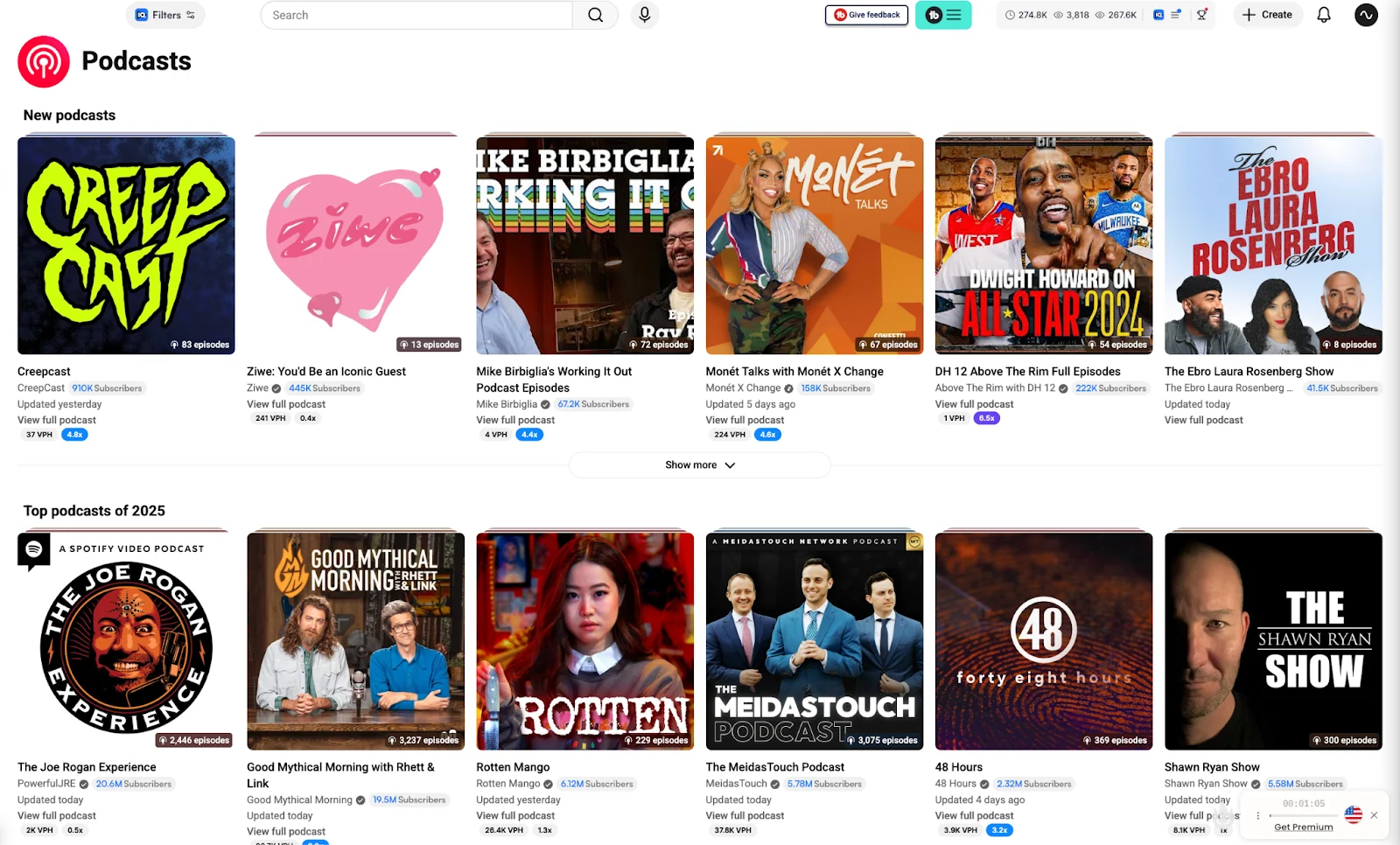
YouTube isn’t a traditional podcast directory, but it’s quickly becoming one of the go-to places for discovering podcasts. And now that Google Podcasts is deprecated, listing your show on YouTube is basically a must.
Viewers and listeners stumble onto podcasts through suggested videos, Shorts, or even random browsing. And, YouTube gives creators engagement options you don’t get in most podcast apps (e.g., comments, likes, chapters, shares). This makes it easier to build a community around your show.
If you've already recorded video, uploading your episodes works just like a regular YouTube video upload. If you're audio-only, no problem. You can still publish using a static image or waveform.
After that, put your episodes into a playlist and mark it as a “Podcast” in YouTube Studio. This helps your podcast show up inside YouTube Music’s podcast section.
YouTube also offers native RSS feeds for every channel, and recent updates make it much easier for podcasters to use them directly.
Once your feed is connected, YouTube keeps it in sync. Changes to show details and episode audio are reflected automatically, including re-uploaded episodes, so you don’t need to manually replace files or re-publish content.
Learn more in our guide on How to start a podcast on YouTube.
Pro tip: Use clear titles, chapter markers, and strong thumbnails. These help your episodes get discovered faster on YouTube.
Amazon Music (and Audible)
Supports video: No
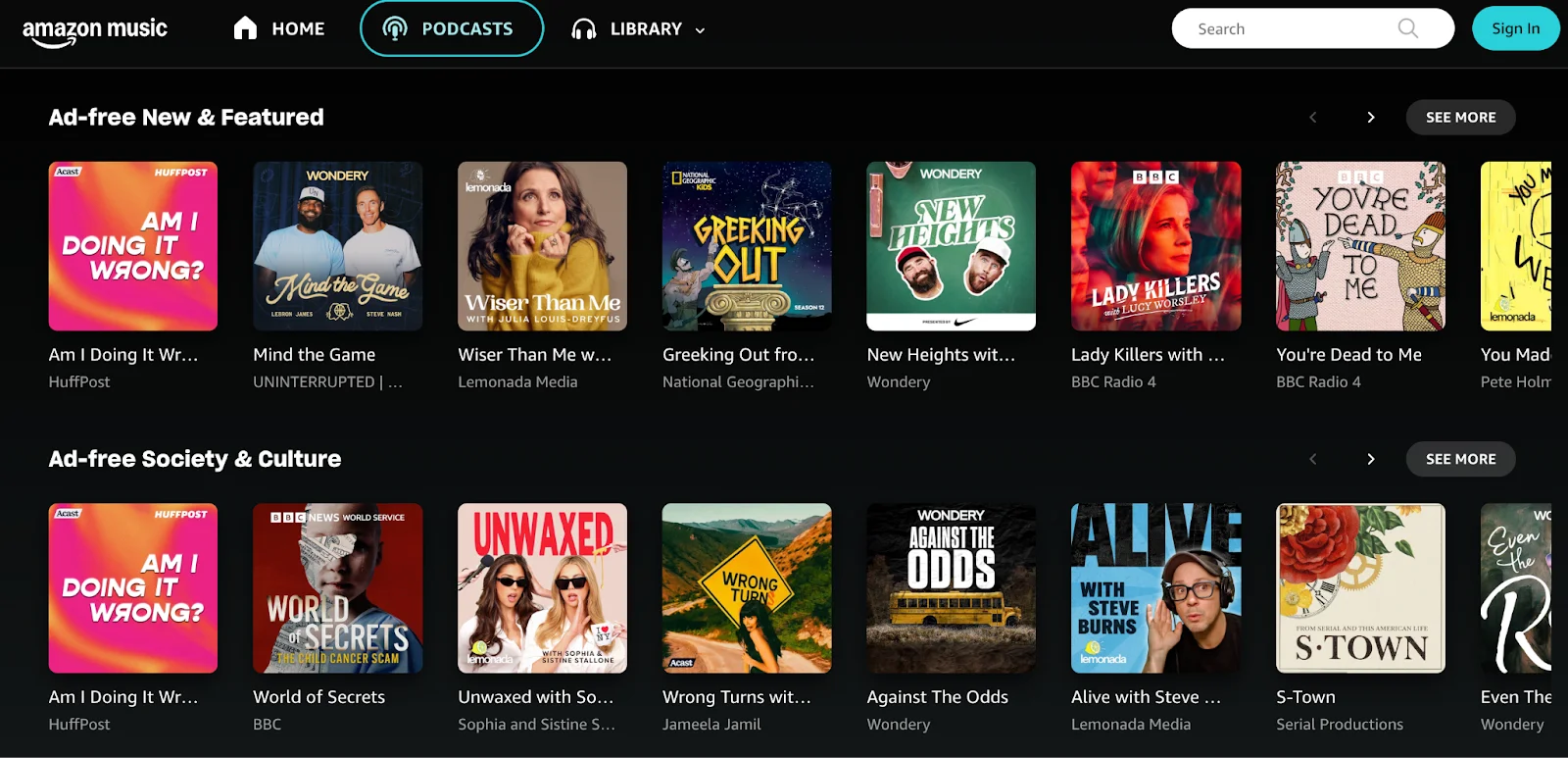
A lot of listeners already use Amazon services, whether that’s Amazon Music, Audible, or an Echo device. Listing your show here helps you reach people who may never look for podcasts on Apple or Spotify.
Once approved, your show appears on both Amazon Music and Audible. This is great for reaching audiobook listeners who already enjoy long-form content.
Amazon also works seamlessly with Alexa. If someone says, “Alexa, play [your podcast name],” your most recent episode can start instantly. For listeners using smart devices, hands-free access can make a big difference in how easily they discover your podcast.
To submit your podcast, open the Amazon Podcasts portal, paste your RSS feed, and confirm ownership by email. Many podcast hosts also offer one-click submission. Approvals are usually quick, and once you're live, Amazon automatically pulls in new episodes from your feed.
Amazon does support subscription and exclusive formats, but listing a standard podcast is completely free. If you want to explore revenue options, Amazon offers ad support and other monetization tools.
Pro tip: Use clear episode titles and descriptions, as Alexa relies heavily on wording when interpreting voice requests.
TuneIn

Supports video: No
TuneIn is one of the largest audio content platforms in the world, and is available in more than 100 countries. The platform primarily functions as an internet radio streaming service. But, it also works with connected devices, including Smart TVs, gaming consoles, car dashboards, and smart speakers like Alexa.
By uploading your show to this directory, it will appear alongside major radio stations and content providers, offering an added layer of credibility and exposure.
Some podcast hosts let you submit to TuneIn with one click. If yours doesn’t, you can use the TuneIn Direct Submit form or submit your RSS feed manually. Approvals can take a little longer since TuneIn reviews submissions manually. But once you're in, your show becomes available across all supported devices.
Pro tip: Keep your show name and episode titles clear and natural to say out loud, as many TuneIn listeners discover content through voice commands.
iHeartRadio
Supports video: Yes (in early 2026)
You may recognize iHeartRadio as an online radio streaming platform for its music content, but it’s popular for podcasts too. It leans into categories, making it a strong fit for someone interested in specific genres.
Independent creators can list their shows for free and benefit from built-in charts and recommendations. iHeartRadio integrates distribution from major podcast hosts like Buzzsprout, Libsyn, and Spreaker.
If your host supports it, you can submit with a single click. If not, you may need to contact iHeartRadio support to request your listing. Approval may take a little longer here (around a week in many cases). This is why it's good to check this one off early and let it process in the background.
Pro tip: If your podcast fits a trending genre, optimize your description and category selection. iHeartRadio’s browsable sections are heavily genre-driven.
Other podcast directory platforms you don’t want to miss
It’s worth listing your show on smaller apps, too. These apps attract tech-savvy listeners, Android users, and longtime podcast fans (often the people who share new shows first).
Many of these directories pull directly from Apple Podcasts. But claiming your listing gives you more control over your artwork, description, and show details.
Overcast
Supports video: Yes
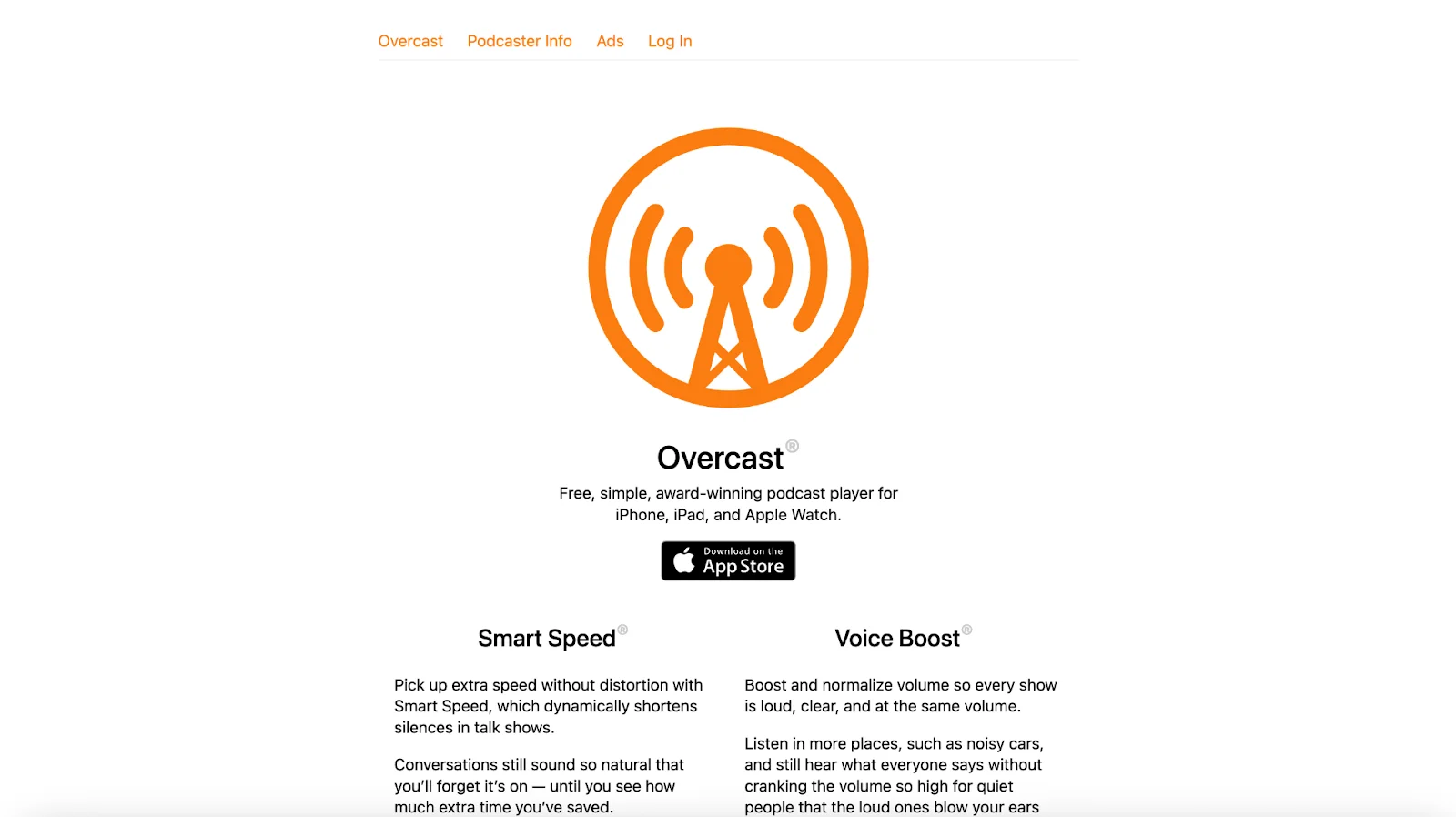
Overcast is a favorite among iPhone users who want more control over how they listen. It automatically pulls most shows from Apple Podcasts. So, if you’re already listed there, you’re likely already here, too. Otherwise, you can add your RSS feed manually.
Claiming your listing through Overcast’s web interface lets you update artwork and check how your show displays. Overcast doesn’t offer creator analytics, but its audience tends to be loyal and intentional about the shows they follow.
Key features
- Smart Speed to shorten silences naturally.
- Voice Boost for consistent audio levels.
- Custom playlists, automatic downloads, and advanced playback controls.
Pocket Casts
Supports video: Yes
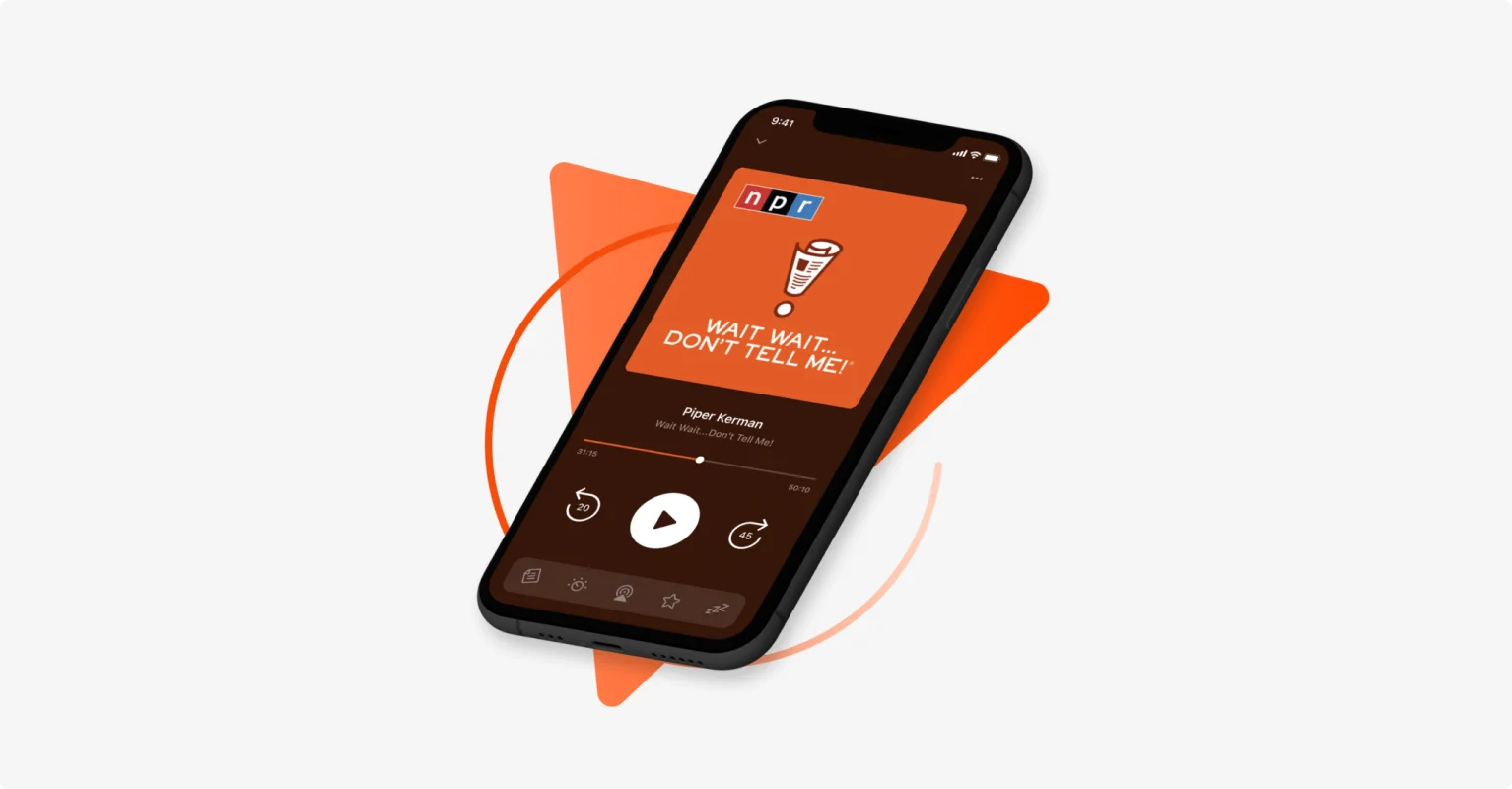
Pocket Casts is a cross-platform listening app that works on iOS, Android, desktop, and smart speakers. It sometimes indexes podcasts automatically, but the most reliable option is submitting your RSS feed through its submission form. Approvals are usually fast.
Pocket Casts is known for its clean design and strong discovery tools. Curated collections, category browsing, and editorial picks can help new listeners find your show organically.
Key features
- Cross-device sync across mobile, desktop, and smart speakers.
- Trim silence, speed control, and audio customization to match listener preference.
- Curated recommendations and powerful search filtering.
Castbox
Supports video: No
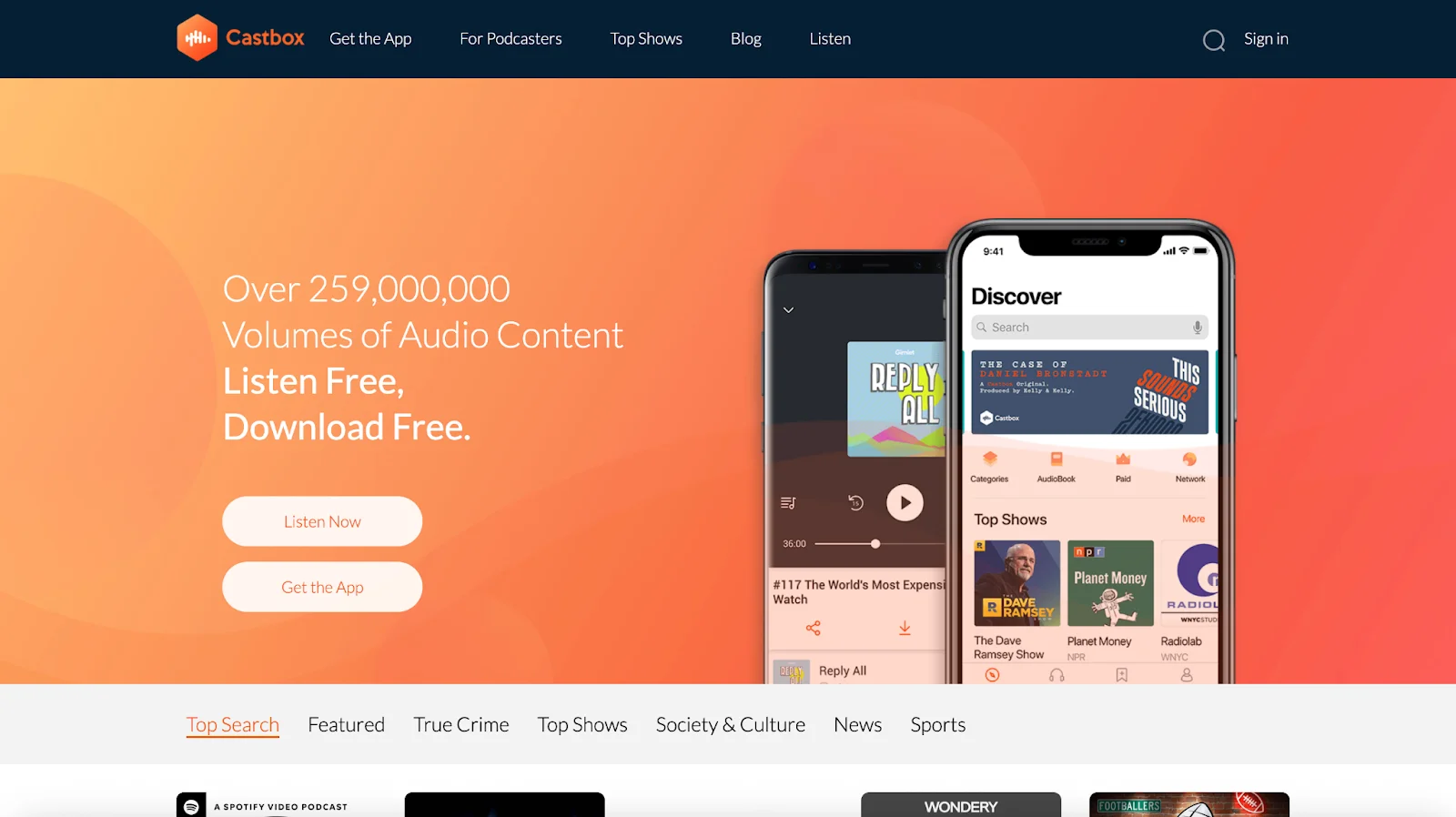
Castbox is especially popular on Android and with international listeners. Its standout feature is In-Audio Search, which automatically transcribes episodes and indexes the keywords. Listeners can search inside the audio (not just titles or descriptions), and Castbox will show exact episodes where that topic appears.
To list your show, submit your RSS feed through the Castbox Podcaster Portal and claim your listing. New episodes update automatically once you’re approved. Castbox also supports comments and episode activity, giving you a bit more community engagement inside the app.
Key features
- In-Audio Search for keyword-based discovery.
- Community engagement features like comments and listening activity.
- Charts and browsing tools that highlight independent creators.
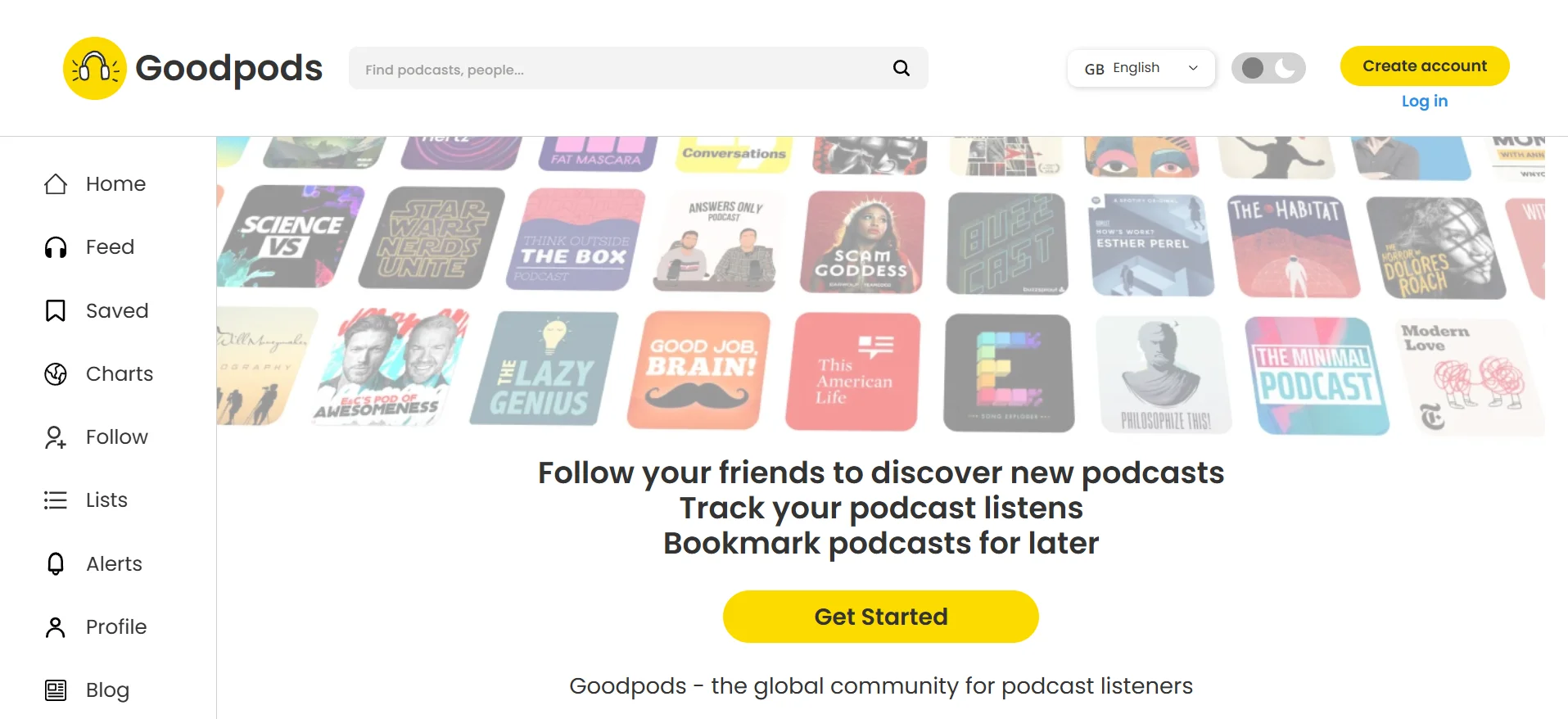
Goodpods
Supports video: No
Goodpods takes a social-first approach to podcast discovery. Rather than relying on charts or algorithms solely, the app shows what friends, creators, and public figures are listening to in real-time. Think of it like a ‘Goodreads for podcasts.’
And, Goodpods’ indie-focused charts are especially useful for smaller creators who want to stand out without competing with major networks.
The software pulls most shows from Apple’s catalog automatically, but claiming your listing helps you update metadata and link your website.
Key features
- Social listening feed showing what others are playing.
- Indie-focused charts and discovery tools.
- Episode-level engagement and listener ratings.
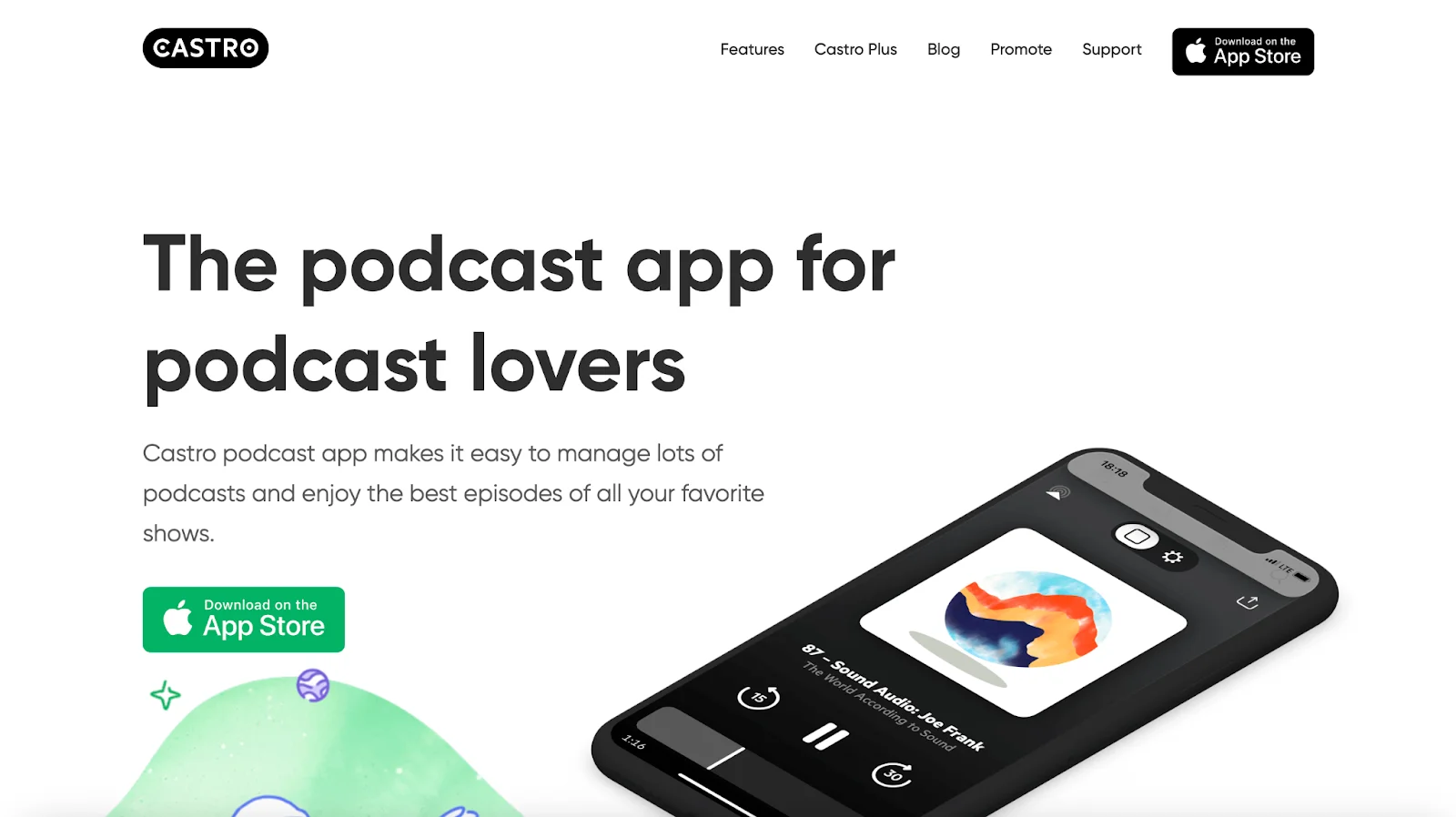
Castro
Supports video: No
Castro is an iOS-only listening app popular for its inbox-style workflow. New episodes go into an inbox first, giving listeners the option to queue or skip before anything downloads. It also has solid playback tools and a clean, minimalist interface.
Like Overcast, Castro pulls from Apple Podcasts. If your show is already listed there, it usually appears automatically here as well. Or, you can manually add your RSS feed. You can also claim your listing to verify your metadata.
Key features
- Inbox-style episode filtering for selective listening.
- Advanced playback controls and customization.
- Automatic indexing if you're already on Apple Podcasts.
Deezer
Supports video: No
Deezer is a global music-and-podcast app, and its real strength is reach. It has a large audience in Europe, Latin America, and parts of Asia, making it a great way to connect with international listeners who prefer using one app for both music and podcasts.
Submit your show through Deezer for Podcasters by adding your RSS feed. Approval tends to be quick, and new episodes update on their own once you’re listed. Deezer supports mobile, desktop, and smart devices, and its recommendation system can help new listeners discover your show.
Key features
- Strong international reach.
- Simple submission through Deezer for Podcasters.
- Personalized recommendations and playlist support.
How podcast discovery works across different genres
Each genre develops its own habits for finding new shows, and listeners often gravitate toward specific platforms or communities.
Once your podcast is available on the major directories, it helps to understand where people in your niche actually look for something new.
True crime podcasts
True crime audiences are always searching for their next case. Many start on Apple or Spotify, but niche hubs, such as True Crime Podcast Hub, attract listeners who want curated lists and deeper recommendations.
Indie networks that focus on crime stories can also spotlight emerging creators, which opens the door to collaborations or shared audiences.
Conversation-driven discovery is strong here. Fans often trade episode links in Reddit communities and large Facebook groups. If your show appears in those spaces (even indirectly through your listeners), you'll see noticeable growth.
Education podcasts
People who listen to educational content often begin with a search query. Because of that, directories with strong indexing, such as Podchaser and Listen Notes, carry more weight for this genre.
When someone researches a topic, these sites often appear in the results and introduce your podcast before a listener ever opens a traditional app.
If your show supports teachers or learners, joining a network, like NPR, can help you meet listeners looking for structured learning.
Educational content performs well on YouTube, too. Many learners prefer to follow chapter markers or skim through visuals. Even a simple static video version of your episodes can broaden reach.
Business, marketing, and entrepreneurship podcasts
Business podcast listeners find new shows through work-related channels, not just podcast apps. They see episodes shared on LinkedIn, in newsletters, or in professional groups, so those spaces work almost like discovery tools.
Even so, you should still choose the right business categories on Apple and Spotify. These apps use categories to decide where your show appears when people browse. Short business tips or quick updates also work well on smart or office devices, which many listeners use during the workday.
Health and wellness podcasts
Listeners in the wellness space tend to look for guidance from trusted sources. Platforms such as the Health Podcast Network curate shows across fitness, mental health, nutrition, and medical education. This can help your podcast reach people who value credibility and expertise.
Correct categorization inside the major apps is important here, too. Subcategories (e.g., Mental Health, Fitness) influence where your show appears in recommendation feeds.
Some creators extend their reach by submitting guided sessions or meditative audio to wellness apps that welcome user-generated content. That added visibility often leads new listeners back to the full podcast.
The 7-step foolproof podcast submission strategy
You’ve just seen a long list of podcast directories, but you don’t need to publish your show on every single one. What you need is to show up in the places that matter for your audience, then expand your reach at a manageable pace.
This is the approach I use when helping creators launch or clean up distribution for an existing show.
1. Plan your launch set
First, choose which directories you want live for your launch.
I usually aim to have aim to have to following directories approved or at least in review ahead of any public announcements:
- Apple Podcasts
- Spotify
- YouTube or YouTube Music
- Amazon Music/Audible
This ensures that when you share “Listen on Apple/Spotify/YouTube” in your show notes or social posts, every link works from day 1.
Apple sometimes takes a few days to approve a new show, and YouTube still requires manual uploads for most creators. Give yourself enough lead time for those steps so you’re not trying to set up distribution at the last minute.
2. Treat your host as the source of truth, then work outward
Your host is more than an upload box. Whatever you set there is what most directories will copy.
Before you submit anywhere, make sure your host settings are solid:
- Show title, author name, and description read clearly and match how you introduce the show elsewhere.
- Categories and language are set correctly (because some apps never let you change them locally).
- The contact email in your RSS feed is one you'll control for years.
Once these details are all set, use your host’s distribution page to jump into the main portals. Even if you do not rely on single-click submission, that page usually has the current, accurate links for directory submission, saving you from chasing outdated help docs.
3. Group directories by how they pick up your show
Think in terms of how podcast apps get your feed. That simplifies the work.
In practice, there are 3 patterns:
- Apps that auto-index from Apple. Overcast, Castro, and some others usually pull from Apple’s catalog. Once you are live on Apple, you search for your show in those apps and claim the listing if they support it. There is no separate submission form.
- Apps that need a direct RSS submission. Pocket Casts, Deezer, Amazon, Castbox, and Pandora can fall into this bucket. For these, keep a standard text file with your RSS URL, show description, and artwork specs.
- Apps that connect through host partnerships. iHeartRadio and some others often rely on integrations. Inside your host, you flip a switch or fill a short form and the host handles the rest.
If you batch directories by pattern, the process feels more like a short checklist and less like starting from scratch with every platform.
4. Maintain a directory log
This doesn’t need to be fancy. Keep a simple spreadsheet with the following:
- Platform name and link to your public show page.
- How your show was connected (e.g., through Apple, your host, manual RSS submit).
- The account that controls that listing.
- The date you last checked that new episodes are appearing correctly.
Later, if you move to a new host and set up a 301 redirect, you can work through that list and confirm that each platform still follows the new feed. If you change artwork or title, you have a clear way to verify that the change propagated everywhere.
5. Decide what ‘good enough coverage’ means for your show
You don’t need to list your show in every directory. Use your audience and genre as a filter.
For example:
- If your listeners skew toward commuters and smart device use, TuneIn, Amazon, and iHeartRadio matter more than smaller mobile-only apps.
- If you see a lot of Android traffic, Castbox, Podcast Addict, and Pocket Casts deserve attention.
- If your audience is global, Deezer and regional music apps with podcast support can be worth the extra effort.
This is also where your analytics become useful. Once you see where listeners come from, you can decide where to spend your next hour of submission work.
6. Add a light ‘directory check’ to your regular workflow
Directories are mostly set-and-forget, but not completely. A simple recurring habit makes a big difference.
Every month or so, I recommend picking a production day to:
- Open Apple Podcasts Connect and compare the episode count with your host.
- Check Spotify for Creators for any feed warnings or artwork issues.
- Scan YouTube or YouTube Music to confirm the latest episodes are in the right playlist.
- Spot check secondary apps you care about, such as Pocket Casts or Castbox.
You aren’t running a full audit; just looking for obvious gaps, like a missing episode or a show description that looks broken.
7. Let data, not FOMO, drive decisions
New platforms will keep appearing. Some will matter for your show, others will not.
When you hear about a new directory or feature, ask 2 simple questions:
- Does this line up with where your listeners already are, or where you want to grow next?
- Do you have the basics covered with the major apps?
If the answer to the second question is no, fix that first. If both answers are yes, add the new platform to your tracking sheet, submit once, and let your RSS feed take over from there.
FAQs about top podcast directories
How long does it take to get listed on directories?
Most directories list your show within a few days. Some are almost instant, while others take a bit longer:
- Spotify: Often live within a few hours to 1–2 days.
- Apple Podcasts: Usually 24–48 hours, but Apple recommends allowing up to 5 business days.
- Amazon Music/Audible: Around 1–3 days.
- YouTube: Typically fast, though the platform is being phased out as Google moves podcasting to YouTube Music.
- TuneIn & iHeartRadio: Can take a week or more, especially if submissions are reviewed manually.
If it’s been over 2 weeks, double-check your RSS feed and reach out to that platform’s support team. Note that this waiting period only applies to the initial listing. After that, new episodes usually appear across apps within hours.
Do you need to submit to every podcast directory?
Not every directory, but you should submit to the major ones. Start with Apple Podcasts, Spotify, YouTube/YouTube Music, Amazon Music, and iHeartRadio. These cover the vast majority of listeners.
Everything else is extra reach. Other directories may only bring a small percentage of your audience, but they often attract loyal listeners who stick around.
What’s the difference between a podcast host and a directory?
Your podcast host is the place that stores your audio files. It holds your episodes, creates your RSS feed, and distributes updates whenever you publish something new. Riverside works as a host, along with platforms like Libsyn, Buzzsprout, Podbean, and Captivate.
A podcast directory is where people listen. Apps such as Apple Podcasts and Spotify read your RSS feed so they can display your show and stream your episodes. You upload everything to your host, and the host pushes those updates to every directory you’ve submitted to. This is why setting up your RSS feed correctly at the start is so important.
Can I host my podcast directly on Spotify or YouTube?
You can host a podcast on Spotify through Spotify for Creators. But YouTube isn't a traditional host.
- On Spotify for Creators, you can upload files, and it will directly push to Spotify. You’ll also get an RSS feed and analytics if you’re distributing on other platforms.
- YouTube lets you upload episodes, but that alone doesn’t make it a podcast host. YouTube doesn’t create an RSS feed, so you can’t distribute it to other platforms directly.
You'll want to use a podcast host as your base. Submit your RSS feed to Spotify, and upload your episodes to YouTube separately if you want to reach that audience.
How do I update my show info across all directories?
Most updates happen automatically because directories read your RSS feed.
Here’s how it works:
Step 1: Update your show details in your podcast host (title, description, cover art, episode info; everything starts here).
Step 2: Your RSS feed updates instantly. This is what every directory checks.
Step 3: Directories refresh your feed on their own. Most changes show up within 24–48 hours (sometimes faster).
If something doesn’t update:
- Apple Podcasts: You can click “Refresh Feed” in Podcasts Connect.
- Spotify: It usually catches changes quickly, but you can refresh episodes in Spotify for Creators.
You only need to update platforms manually if you change your RSS feed URL. In that case, you’ll submit the new feed in Apple, Spotify, and any other directory that requires a manual update.
For everything else, your host is the single source of truth. Update it once and the rest follows.
Are podcast directory listings really free?
Most major podcast directories let you list your show for free. Apple Podcasts, Spotify, Amazon Music, iHeartRadio, and most others don’t charge you. Their goal is to offer as many shows as possible, so listeners have more to choose from.
If you ever see a service asking you to pay just to get listed, be careful. Those paid ‘submission services’ are usually doing work you can handle yourself. There’s no pay-to-play for standard directory inclusion.
A few platforms work differently, but not in a way that affects most creators:
- Some apps offer premium subscriptions for listeners, not podcasters. Your show is still listed for free.
- A handful of apps with exclusive catalogs (like Luminary) simply don’t accept open submissions. But that’s a business model, not a listing fee.
Remember: your host may charge for storage or features, but that’s separate from directories. The directories themselves don’t charge you to make your show available to listeners.
How do I track my podcast’s performance across different directories?
There’s no single dashboard that shows everything. We’ve got full guides on podcast metrics and analytics, but you can get a solid picture by checking a few key places:
1. Your podcast host
Start here. Your host shows total downloads and usually breaks down which apps listeners use (Apple, Spotify, Overcast, etc). This gives you the best high-level view of where your audience actually is.
2. Platform dashboards
The major directories each offer their own analytics. You don’t need to check these daily, but they’re helpful for deeper insights:
- Apple Podcasts Connect: Listening time, drop-off points, devices.
- Spotify for Creators: Streams, followers, audience demographics.
- Amazon Music for Podcasters: Plays across Amazon and Audible.
- Pandora AMP (if you're listed): Spins and engagement signals.
3. Optional third-party tools
Tools like Chartable or Podtrac give more detailed tracking if you add their prefix to your feed. This is not required, but useful if you want attribution or cross-platform comparisons.



.webp)
-%25255B2021%25255D.webp)
.webp)


