Key takeaways:
- To use music in your podcast, you must get permission or obtain the right license (i.e., royalty-free, Creative Commons, public domain, etc).
- There are many places to find podcast-worthy music, including royalty-free, all-in-one tools like Riverside and commercial music libraries, like Unminus.
- Some platforms, like Artlist and Epidemic Sound, charge a subscription fee but provide you with lifetime licenses as long as you maintain your subscription.
- Listening rights are not the same as redistribution rights; you cannot use music you bought from iTunes, for example, on your podcast.
Not all music is legal to use on your podcast. And, the music that is legal may not be free of charge.
The distinction between “free,” “royalty-free,” and “copyright-free” can be tricky. If you’re not careful, copyright strikes might take down all your hard work.
So in this guide, I’ll show you where to find free music, what kind of music to pick, and how to use it legally.
How to legally play music on your podcast
You need permission or a license to legally play music on your podcast. Using copyrighted audio without the proper license (even a 5-second snippet) can be infringement.
Remember that ‘free’ doesn't always mean free to use however you want. Avoid ambiguous ‘free’ labels. Always read the track’s license and check for attribution and platform restrictions before adding it to your show.
Now, let's break down 5 major music license types for podcasting.
Royalty-free music
Royalty-free music for podcasts allows you to use tracks without paying ongoing royalties. You get lifetime usage rights for these tracks with no additional fees per stream. These tracks are typically available for free with certain conditions. Or, you can pay a one-time license fee or subscription fee.
If you go this route, ensure that your royalty-free music license, terms, and conditions cover podcast distribution.
Creative Commons music
Creative Commons (CC) offers free music licensing with conditions, like crediting artists. Below are 3 podcast-friendly CC licenses that allow commercial use:
You can use music under these licenses even if your podcast has ads or sponsors, which is ideal for podcasters on a tight budget.
Pro tip: Avoid music under a CC BY-NC license. This prevents you from using the track if your podcast runs ads or has sponsors.
Copyright-free or public domain music
A track becomes copyright-free when nobody owns exclusive rights to it. Music in the public domain includes tracks whose copyright has expired or been waived, often released under a CC0 license.
Public domain music is one of the safest options for podcasters. You don't need usage permission, paid licenses, royalties, or artist attribution.
If this appeals to you, first confirm that the specific recording you want to use is in the public domain. For example, a Bach concerto written in the 1700s is in the public domain, but a modern orchestra's performance of it may be copyrighted.
Licensed music from a music service or marketplace
You can’t just take music you bought from platforms like iTunes or Amazon Music and add them to your podcast. Even if you paid for them, that doesn’t mean you have the right usage license.
Paid music licenses specifically for podcasting are available on marketplaces such as AudioJungle and through subscription services such as Epidemic Sound. When you purchase the appropriate license, these platforms grant you sync and distribution rights. Make sure the license covers your intended use.
When you have a budget for soundtracks, this option provides peace of mind and expands your options.
Original music you own
You can freely use any original music composition that you created or own the rights to.
Original music offers complete control, both legally and creatively. You avoid infringement notices and can tailor music to match your podcast's vibe.
Pro tip: If you commission custom music, sign a written agreement stating that you own the track or have exclusive rights to use it in your podcast.
14 best platforms to find free music for podcasts
Now that you understand music licensing for podcasts, let’s break down the 14 platforms I trust for finding high-quality audio tracks.
FreBest places to get royalty-free music for podcasts
Let’s start with platforms that offer royalty-free music without ongoing fees.
Riverside
.webp)
Best for: Music straight from your podcast platform.
Riverside is an all-in-one podcast recording, editing and hosting platform. It’s not a dedicated music marketplace, but its built-in library includes a wide selection of royalty-free tracks.
These tracks are great for podcast intros, outros, background loops, and transition stingers. You can browse music by genre, including lifestyle, gaming, arts & entertainment to find the right vibe for your show.
The royalty-free music library is available right within the video editor, so you can easily preview and add music tracks without leaving the platform. There you can find hundreds of tracks and select the one that's right for you.
This can be a real timesaver if you’re already using Riverside in your podcast workflow. Record in 4k, edit in minutes with AI, add music and host your show in one place.
Pros:
- Access music directly in the editing interface without any external downloads.
- Library curated for podcasts with tracks designed to fit segments (e.g., intros, transitions, etc).
- Hundreds of license-free tracks available on Riverside’s free plan.
Cons:
- Riverside’s collection doesn’t include very specific or trending music styles.
- Tracks are not available for use outside of Riverside.
If you are looking for 100% free access with no sign-up required, you can also check our free podcast music page. Listen to and download any of the almost 50 royalty-free tracks available.
Free Music Archive (FMA)
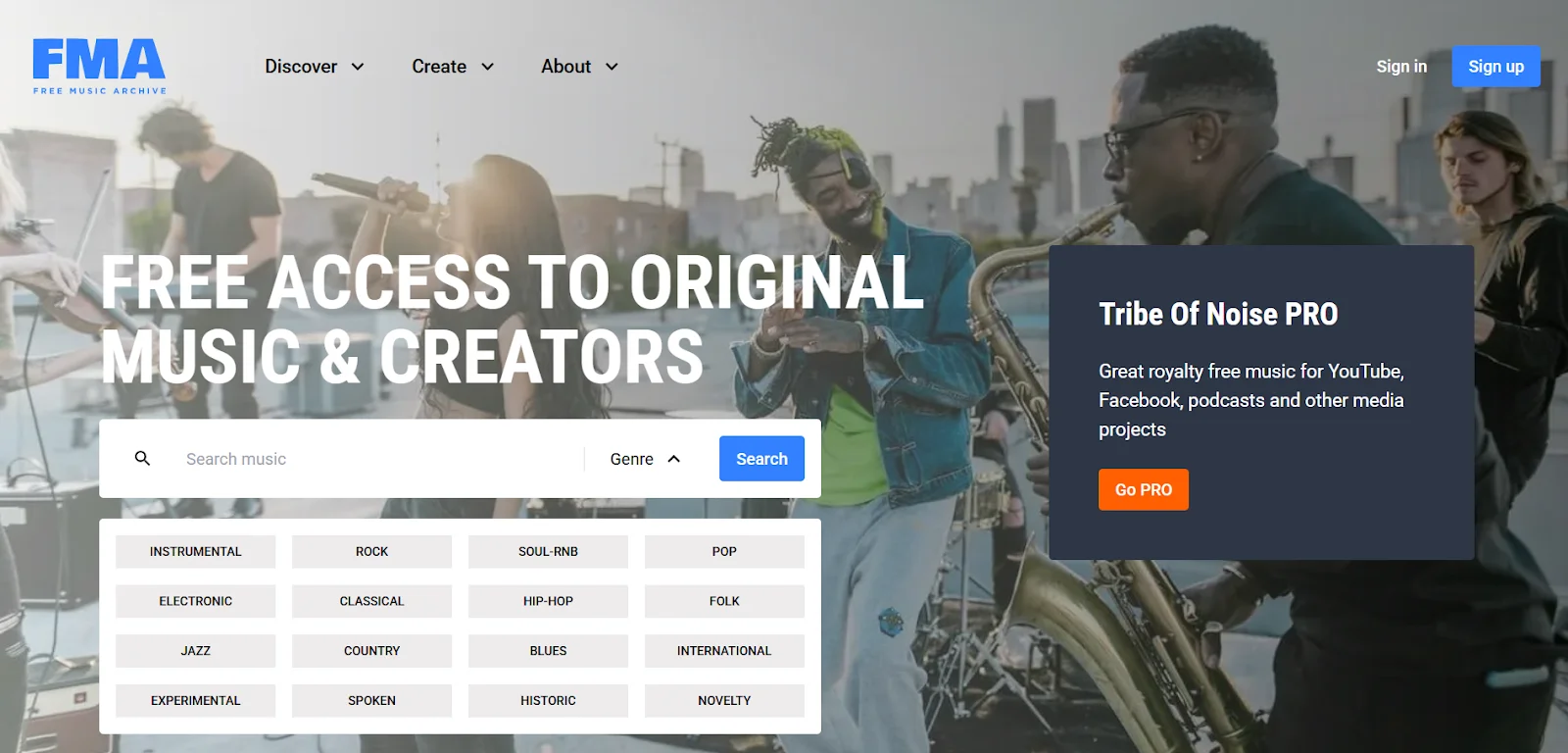
Best for: Non-commercial shows or episodes where attribution is acceptable.
Free Music Archive gives you access to a collection of original music across genres like rock, pop, folk, and more. Browse and download tracks by genre, charts, artists, or collections.
Most tracks on FMA are available under Creative Commons licenses. However, many of these tracks have a non-commercial license. You can’t use this music if your podcast has ads or sponsors.
Pros:
- Diverse catalog covering unique tracks from multiple genres.
- Transparent license information with the option to filter tracks by license type.
- Powerful search function to discover tracks by usage type, license, genre, and duration.
Cons:
- Many tracks are under the CC BY-NC license, meant for non-commercial use only.
- Tracks are not categorized by podcast use cases, like intro, outro, transition, etc.
Incompetech
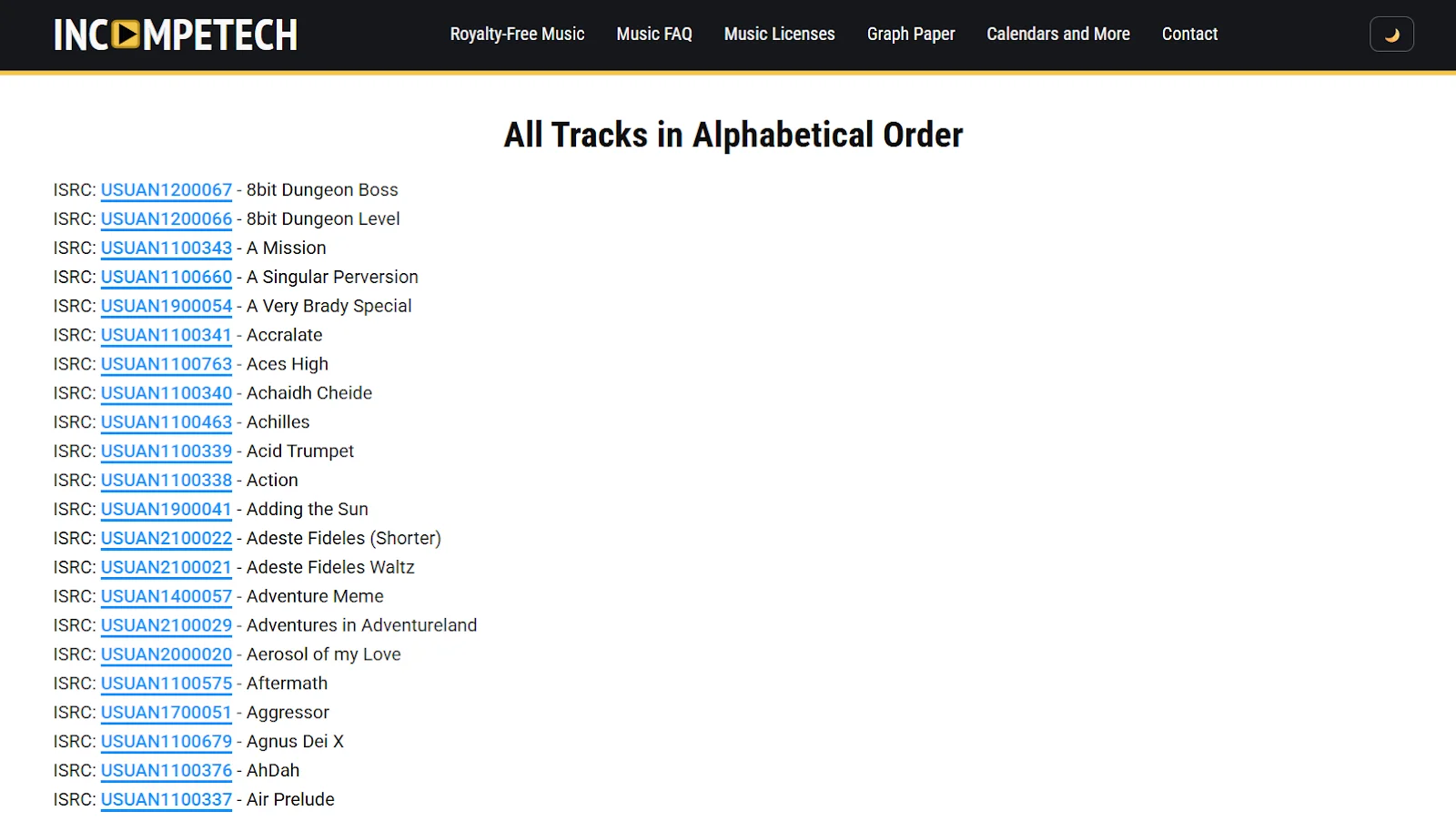
Best for: Consistent intros, outros, and cinematic themes.
Incompetech is a music library curated by composer and music producer Kevin MacLeod. You’ll find hundreds of free, high-quality, and original tracks across genres and instruments.
All of Incompetech’s music is offered under the CC BY license (attribution required). If you use any of these tracks, you must credit Kevin MacLeod for the music. To skip attribution, you can also purchase a license for $20 per track.
Pros:
- Tracks available in loops with clean endings to fit seamlessly into podcast content.
- The library covers almost every genre and mood, with relevant tags for ease of search.
- High trust and recognition for Kevin MacLeod’s music, with a reliable licensing history among thousands of creators.
Cons:
- Attribution is mandatory; this is a potential downside for those who want to maintain a branded experience without external credits.
- Most tracks are mainstream and lack an original appeal.
Bensound (free tier)
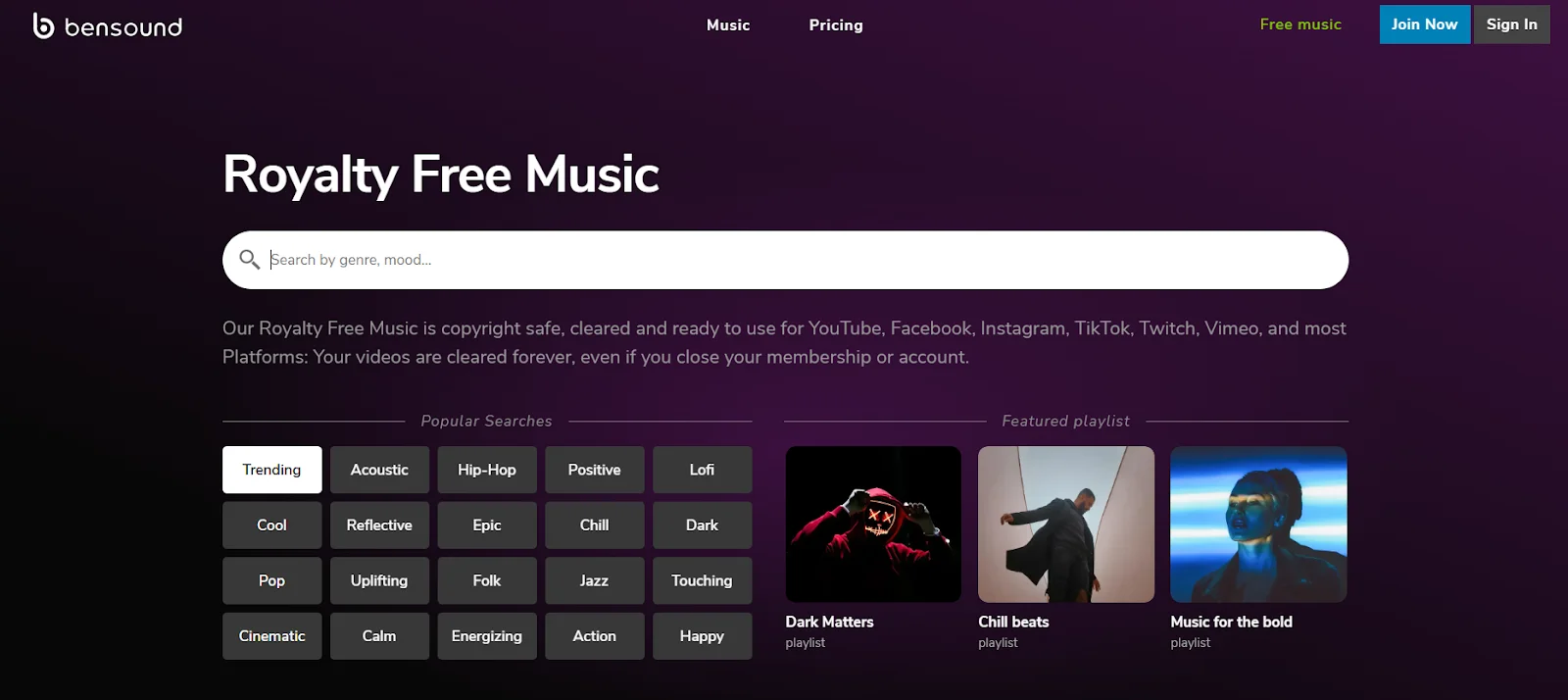
Best for: Corporate, acoustic, and cinematic tones designed for video podcasts.
Bensound offers royalty-free music specifically for videos, curated by composer Benjamin Tissot. The platform features a wide range of music spanning acoustic jams, cinematic scores, and more.
Use Bensound’s free tier to download tracks at no cost and provide attribution when adding this music to your podcast. You can also pay for licenses (one-off or subscriptions) for wider use cases, like live broadcasts or client projects.
Pros:
- Clean and professional sound quality for video podcasts.
- Clear licensing terms spell out the exact use cases for each track.
- Various filters for searching music (e.g., genre, mood, theme, instrument, energy level).
Cons:
- Free tracks can’t be used for podcasts and sound remixing.
- Paid license is required to download WAV files for better quality audio.
Silverman Sound Studios
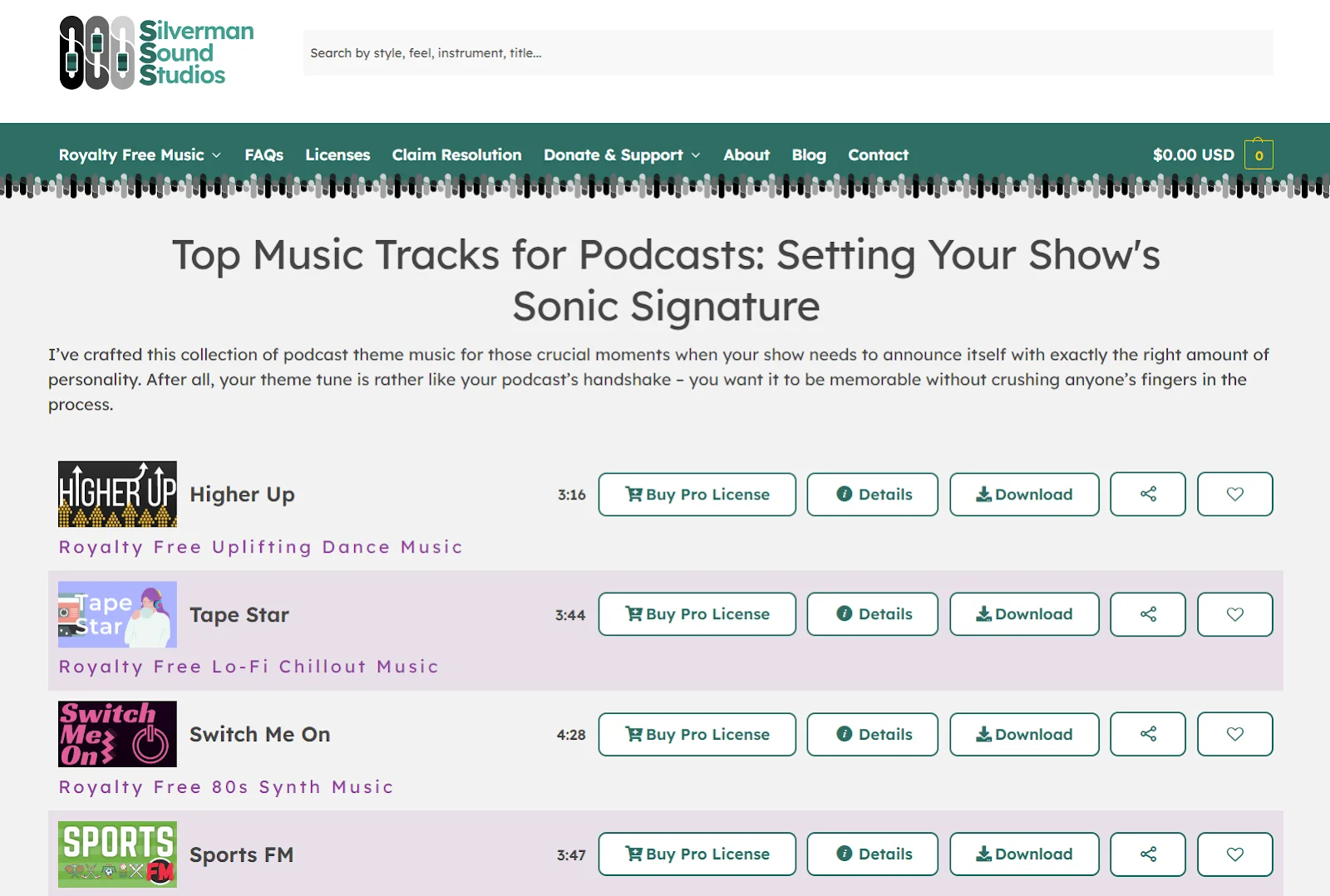
for: Contemporary podcast themes and storytelling shows.
Silverman Sound Studios’ music library is purpose-built for content creation. It offers original, royalty-free music for commercial use in podcasts, with artist attribution.
Filter over 200 tracks by mood, genre, or instrument and download them for free. Silverman Sound even has a dedicated podcast music collection. These songs are hand-picked to serve as background music for different kinds of podcasts.
Pros:
- Transparent terms of use and licensing rights for each track.
- Offers polished music with a high-budget feel and flair to elevate your production value.
- Podcast-specific track recommendations that work well for intros, outros, and ambient background.
Cons:
- Limited collection of free tracks (around 200).
- The library isn’t as diverse as other platforms because of its moderate selection of songs.
SoundCloud
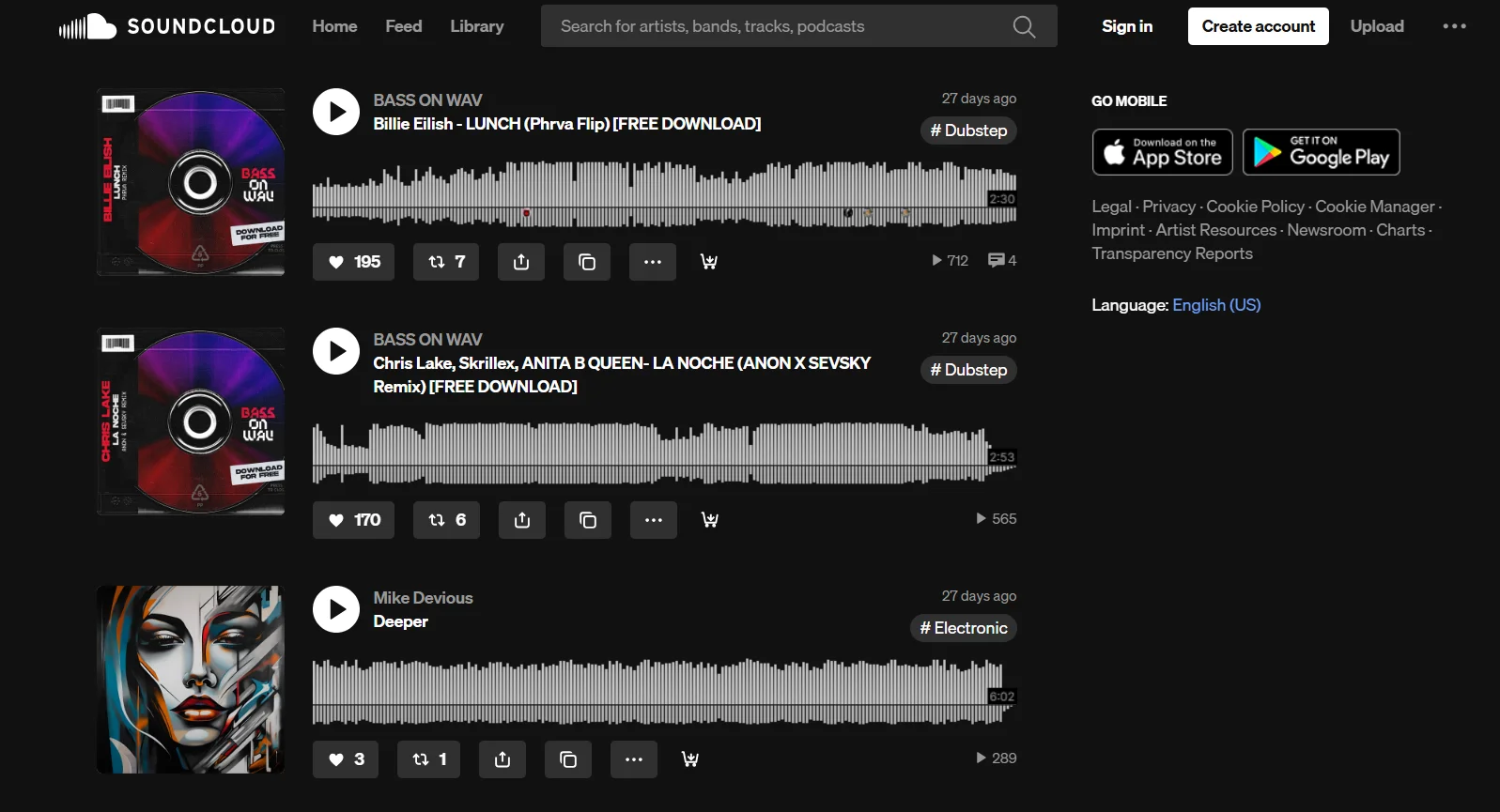
Best for: Niche genres and emerging artists.
SoundCloud, popularly known for distributing songs, is also a great place to find free music for podcasts. It hosts millions of tracks from independent musicians available under Creative Commons licenses.
Use SoundCloud’s search filters to find tracks labeled for reuse and discover music for commercial use. Before downloading a track, verify its license details to check the usage rights.
Pros:
- Find high-quality, original music not available in stock music libraries.
- Browse and choose tracks from a range of music styles and aesthetics.
- Directly connect with artists to seek permission to use their music in your podcasts.
Cons:
- Not exclusively designed for podcast-specific music usage.
- Audio quality (bitrate) might be lower on some downloads due to the MP3 format.
Best places to get copyright-free and public domain music for podcasts
Now, I’ll cover a few platforms offering copyright-free music and tracks available in the public domain. You’ll find tracks under a CC0 license permitting commercial use without any fees or attribution.
Musopen
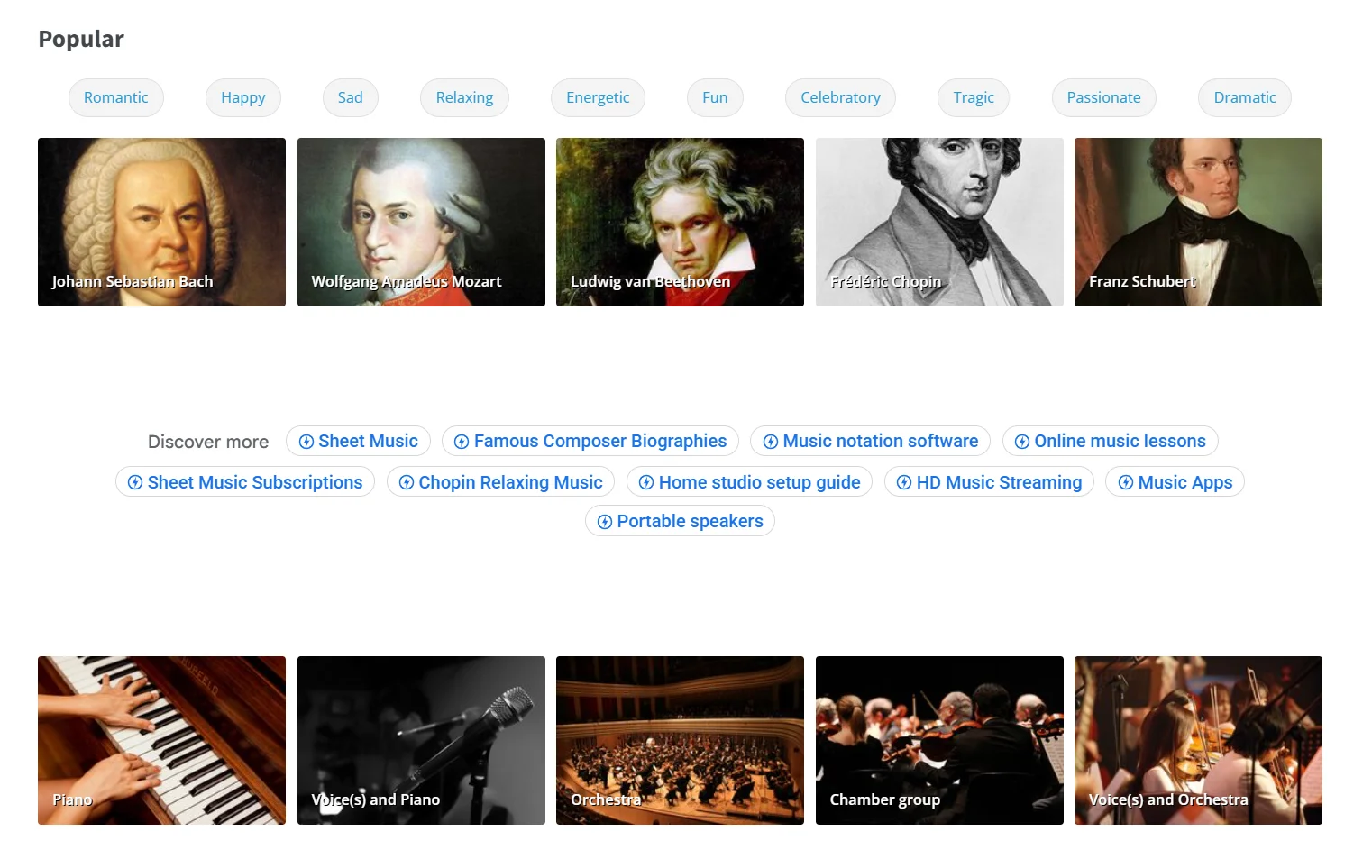
Best for: Classical intros, history, education, or cultural shows.
Musopen is the best place to find original recordings of public domain music, primarily classical artists and orchestral music. Most of these tracks have expired copyrights or are available in the public domain.
Filter tracks by artist, instrument, time period, moods, and more. If you want to add a touch of drama to your podcast segments, you’ll get some great music on this platform for free.
Pros:
- Very safe to use most of these tracks without any copyright issues or fees.
- Unique music from different eras across the 19th and 20th centuries.
- Multiple search filters to find the right tracks.
Cons:
- You might need to double-check a select few tracks to verify authenticity.
- Primarily covers classical music; no songs from modern genres.
Chosic
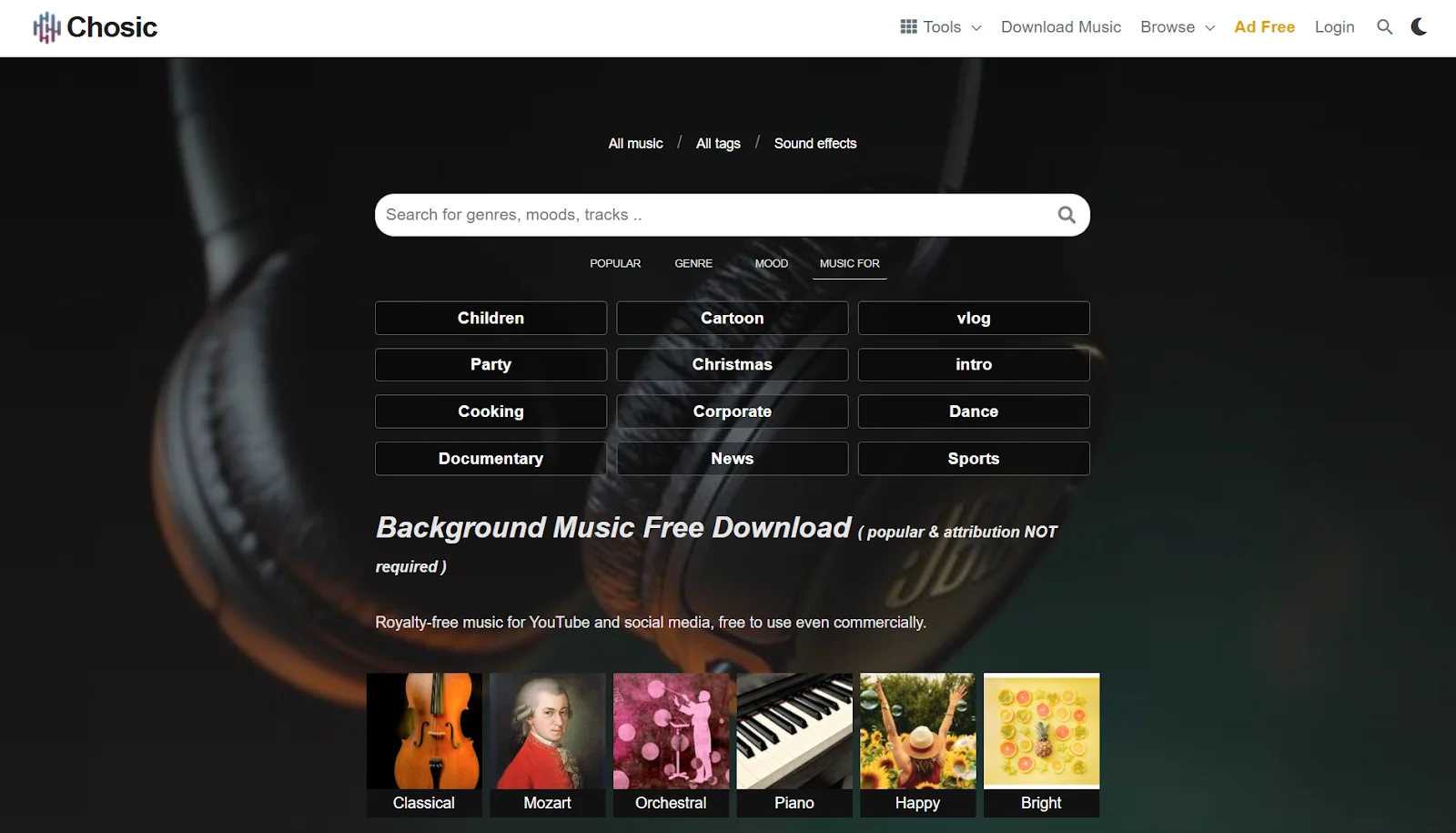
Best for: Zero-attribution intros, beds, and transitions.
On Chosic, you’ll find public domain tracks as well as ones that require attribution. The platform includes a curated collection of sound effects to serve as background beds for different parts of your podcast. You can also browse tracks by themes and filter them by license (no attribution) to find music in the public domain for free.
Pros:
- Use certain tracks without any attribution or usage fees.
- Find music in different lengths to create loopable beds for your show.
- No copyright issues for commercial use on YouTube and other channels.
Cons:
- A mixed collection of songs (with and without attribution) can be confusing.
- Production quality of some tracks can be subpar.
Unminus
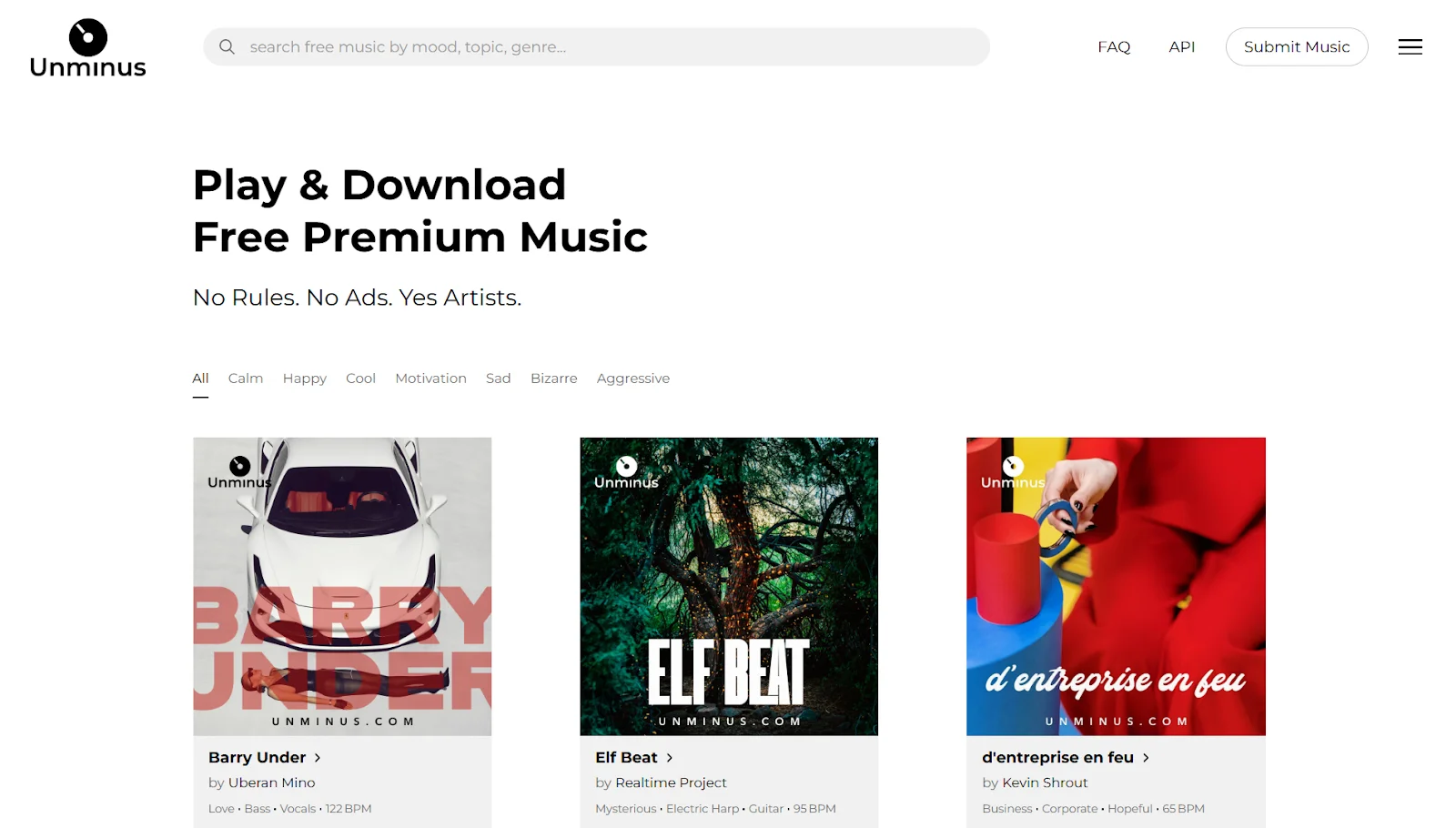
Best for: Fast, worry-free podcast production.
Unminus includes public domain music that you can use for free on commercial projects. While the song library is smaller compared to other platforms, you’ll find modern tunes to match your podcast’s contemporary vibe.
The interface is clean and simple: you can preview tracks on the site and download what you like. Styles range from upbeat electronic and hip-hop beats to mellow lo-fi and pop.
Pros:
- Free music with commercial licenses in multiple genres and moods.
- Polished sound quality to convey high production value.
- Clear and transparent usage terms.
Cons:
- Smaller catalog of tracks to choose from.
- Limited depth of user reviews for different artists.
Best places to find licensed music (paid) for podcasts
Open to investing some budget into your podcast's production?
Paid music is best-suited for long-running podcasts that need a consistent audio brand. Let’s check out a few platforms that offer high-quality tracks for content creation at a fair price.
Epidemic Sound
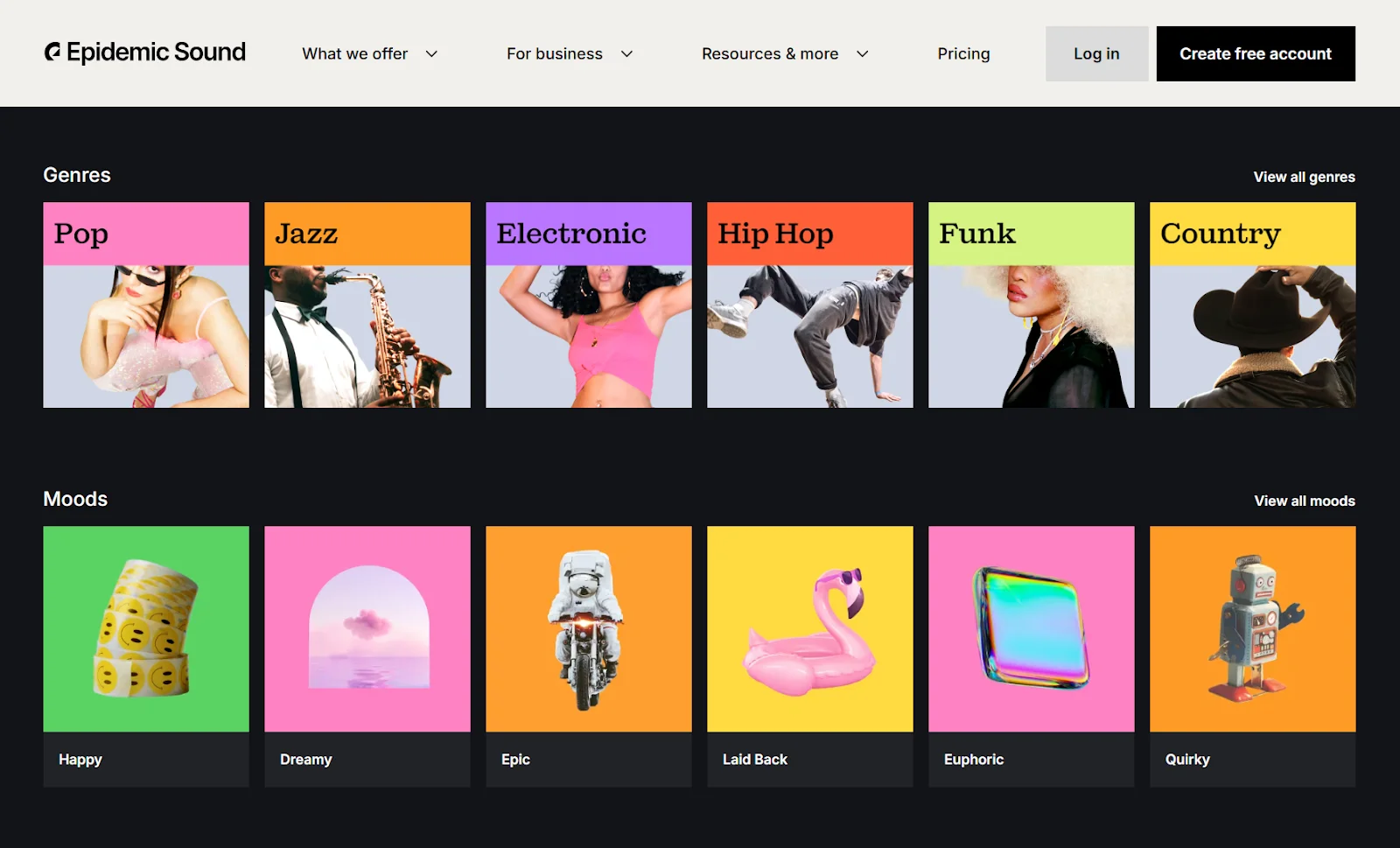
Best for: Professional, monetized podcasts and brands.
Pricing: $9.99 per month for Creator plan (for podcasters).
Epidemic Sound is one of the leading royalty-free music subscription services. It’s widely used by YouTubers, brands, and podcasters.
A subscription comes with unlimited access to its massive library of music and sound effects. Plus, you get a commercial license to use these tracks for podcasting and monetization.
Bonus: Use the AI voiceover capability to clone your voice and record certain parts of your podcast (think ads and promos).
Pros:
- One monthly/annual subscription fee for the rights to use your chosen tracks.
- Access a collection of 35,000 tracks and 90,000 sound effects.
- No extra clearance required to use tracks under your brand name.
Cons:
- Licenses are tied to active subscription (cancellation takes away your usage rights).
- Cost can be high when you want to scale to multiple users or channels.
Artlist
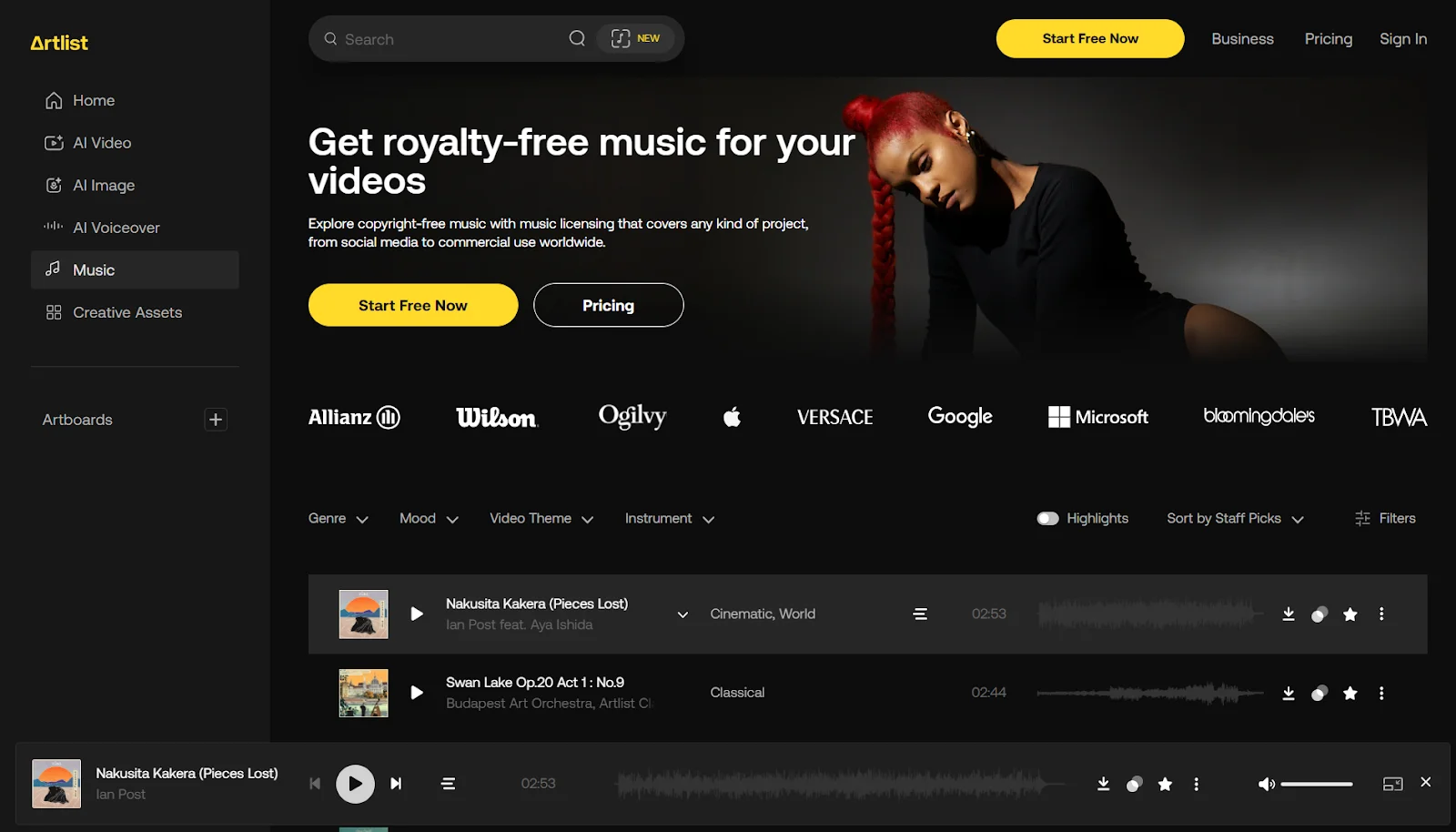
Best for: Branded shows and long-running podcasts.
Pricing: $9.99 per month for Music & SFX plan (for podcasters).
Artlist is another popular subscription platform for downloading copyright-free music. Unlike Epidemic Sound, you can directly download tracks on Artlist (and your downloaded tracks get a lifetime license while you maintain an active subscription).
Filter Artlist’s music library by duration to find sounds for segments, like intros, outros, and transitions. You can also browse tracks by the same artist to maintain consistency in your show.
Pros:
- No per-track costs; unlimited downloads and usage with a subscription.
- High-quality, curated catalog known for its cinematic selection of tracks.
- License covers worldwide distribution, commercial use without attribution.
Cons:
- Download limit of 40 songs per day.
- Complications can come up if you’re working with multiple clients.
AudioJungle (Envato Market)
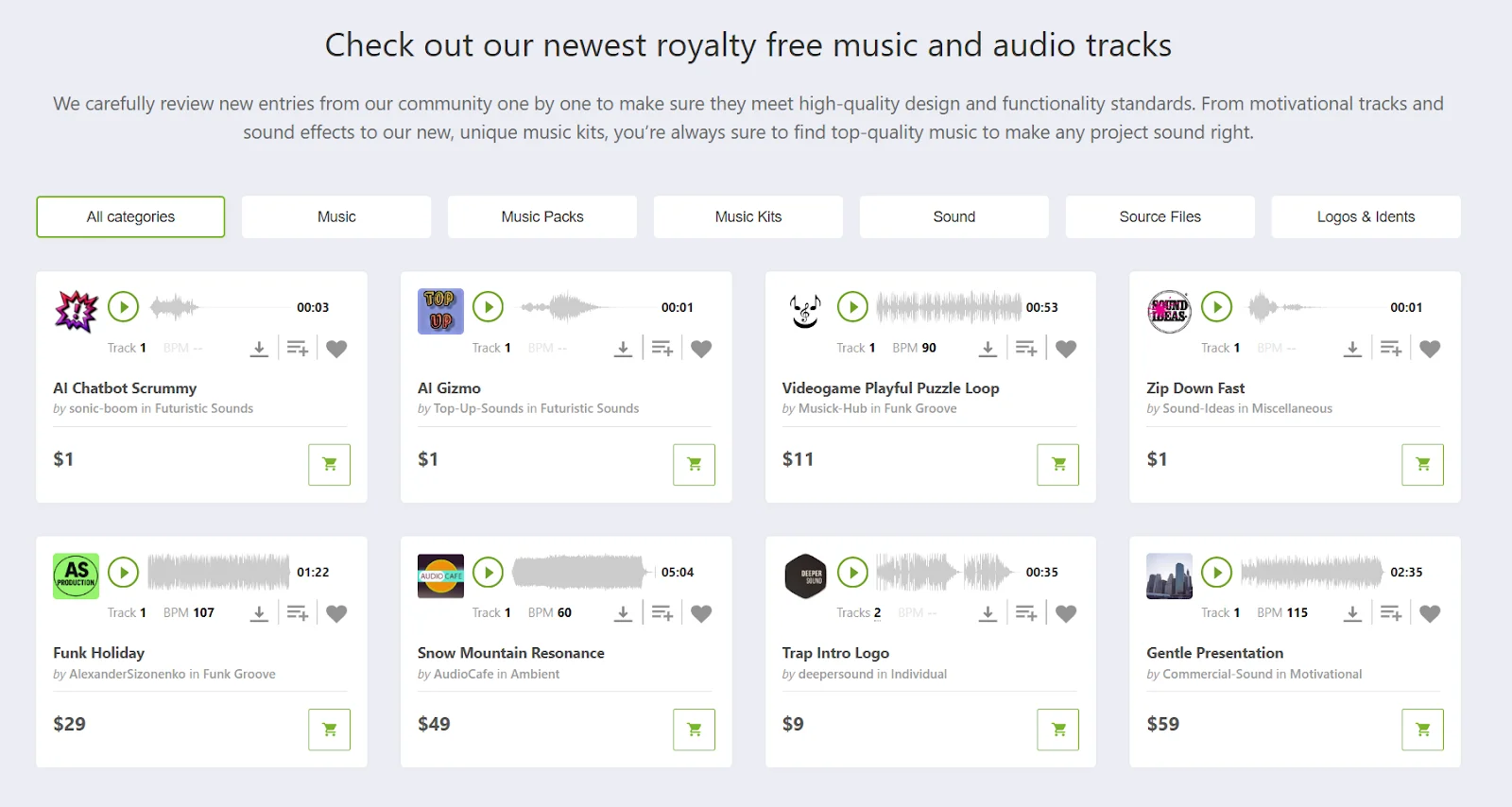
Best for: One-off purchases of audio assets and sound effects.
Pricing: Varies for different tracks.
AudioJungle, a part of Envato Market, offers a wide range of music tracks starting at $1.
Instead of a standard and ongoing subscription fee, you pay a one-time fee for specific files. For example, you can buy a music pack with 30+ tracks for $45 or get a short sound effect for $1.
Tracks on AudioJungle are available under five music licenses, all of which are suitable for podcasting.
Pros:
- One-time payment per track/collection without ongoing fees.
- Varied license options available for bigger needs (e.g., filmmaking).
- Huge variety of music from many composers.
Cons:
- Multiple licensing options can be a bit confusing.
- Costs can add up for multiple tracks.
Soundstripe
Best for: Consistent weekly or branded shows.
Pricing: $19.99 per month for Pro plan (for podcasters).
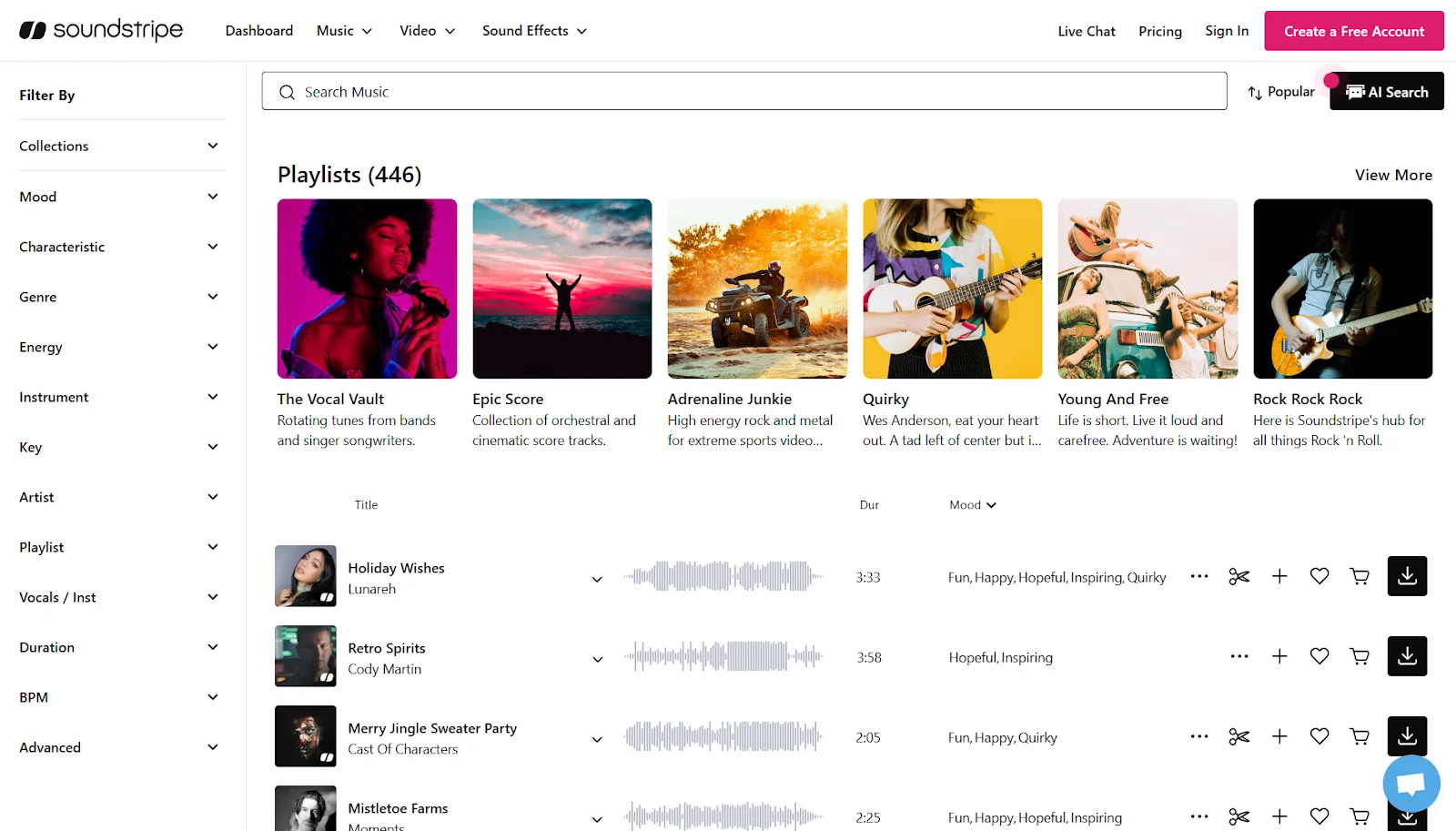
A Soundstripe subscription gives you unlimited access to more than 58,000 original tracks and sound effects. Once you download music from this platform and activate the license, you are automatically cleared to use it on YouTube. So, you don’t have to worry about copyright issues.
To help you find the right tracks, Soundstripe offers an AI search assistant, called Supe. You can chat with this feature using natural language to narrow down your options.
Note: The Personal plan doesn’t allow commercial use. You need the Pro plan to use any music from Soundstripe in your podcast.
Pros:
- Automatic YouTube clearance as soon as you download a track.
- Massive collection of tracks across multiple genres and use cases.
- AI-powered search and song editing tools to customize any track.
Cons:
- More expensive subscription fees for podcast-specific music.
- Limited presence of mainstream composers in popular songs.
PremiumBeat
Best for: High-performing podcasts with a global reach.
Pricing: $9.99 per month for Creator plan and $24.99 per month for Standard plan (for podcasters).
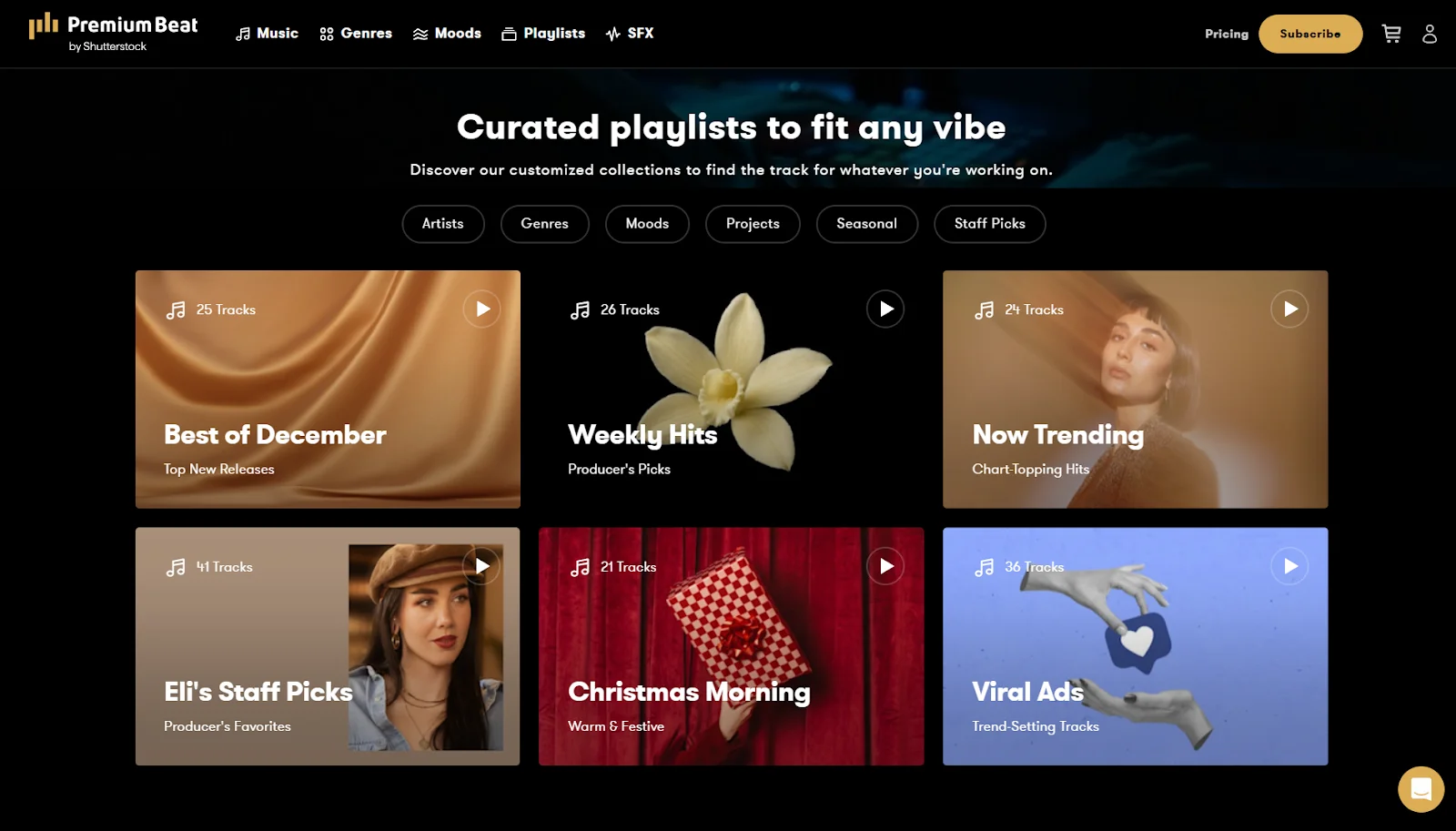
PremiumBeat is a high-end, royalty-free music library operated by Shutterstock. Unlike other subscription services, PremiumBeat offers a curated music library specifically for podcasts. Find dedicated tracks for intros, outros, background beds, and more.
For each track you discover, you can find similar options to expand your choices. And almost every track comes with multiple stems and loops, so you can download the option that fits the bill for your use case.
Pros:
- High-quality tracks that sound professionally produced.
- Lifetime licenses that cover worldwide podcast distribution.
- Quickly find the right tracks with advanced search options, like reference tracks.
Cons:
- Less indie variety; library designed for the commercial aesthetic.
- No free trial or free samples to preview sound quality.
5 Creative ways to use music in your podcast
The right music, placed strategically throughout an episode, can really immerse your audience and guide their attention.
Here are some ways to make a big impact with your podcast’s soundtrack:
Intro and outro:
Use a short, catchy podcast intro jingle (5 to 10 seconds) at the beginning of each episode to grab attention and set the tone.
And try a consistent outro track (10 to 25 seconds) to provide a satisfying ending.
Transitions and stingers:
Add musical cues of 1 to 3 seconds to switch from one segment to the next. Transitions act like chapter breaks when you want to shift the conversation to a new theme or mark an ad break.
Background beds:
Place subtle, loopable music to emphasize or add depth to some parts of your podcast (e.g., a reflective monologue). This is common in storytelling podcasts, where a subtle background track runs under narration to evoke emotion.
Trailers, promos, and ad reads:
Add music to create a distinct effect and pace for ads, promos, and in-episode trailers. This background music instantly clarifies that this part is separate from the main show.
Live streaming podcasts:
Music can significantly enhance live podcasts and make them more engaging. Play a track to set the vibe while people join your live stream. Or, use music to fill any dead air moments, like starting a Q&A session.
One of my top tips is to match the style and volume of your soundtrack to the use case. Your intro tracks should generally be energetic and fade into the show’s opening, while your background sounds should never overpower your primary track.
How to pick podcast music that fits your brand
Music choice is subjective. So, how do you find the tracks that sound like an extension of your brand?
Here are 3 best practices for picking the right podcast music.
Map mood, tempo, and energy
Define your podcast's vibe with a few adjectives. Upbeat and entertaining? Calm and intellectual? Or something else?
Next, consider your episode's emotional arc. Do you open with humor before diving into a serious discussion, or is it a fast-paced start before introducing the main show?
With this insight, pick music that matches your podcast’s mood and tempo. For example, if your podcast is storytelling-driven, choose cinematic music beds. If you create inspirational content, use mid-tempo tracks (70–100 beats per minute).
Choose easily editable music
Next, focus on practicality.
If your perfect track has a long and slow build-up or abrupt ending, you’ll have to edit it repeatedly. Look for tracks that start with a clear downbeat and fade out easily.
I find it’s best to go for loopable music with sections that repeat seamlessly, so you can extend it to any length for voice-overs. Many music libraries offer 15- or 30-second cuts of the main melody. These are perfect for intros, ads, or transitions without manual editing.
Read more: Find the best audio editing software to polish your podcast and produce high-quality episodes.
Be consistent, not repetitive
Finally, balance familiarity with variety. Keep one main theme for your intro and outro, so listeners associate that tune with your podcast’s branding.
But, keep in mind that using one track everywhere gets stale. So, build a small palette of core music pieces (a lot like a color palette in your brand kit). When building this palette, think about your favorite TV shows. They have a signature theme song, but recurring background motifs keep episodes dynamic.
Podcast music mythbusters
Before you actually start adding tracks to your episodes, let me debunk a few popular myths about using free music for podcasts.
“Fair use covers me”
Fair use is narrow and context-specific. Using music in intros and outros almost never qualifies. You should rely on clear licenses or royalty-free music instead of gambling on fair use claims.
“‘Non-commercial’ means safe for my indie show”
If you run ads, accept sponsorship, or promote a business, that constitutes commercial use. Avoid non-commercial (NC) licenses unless your show is genuinely non-commercial (without any revenue and promotions).
“I bought the song, so I can use it”
Purchasing a song on platforms like iTunes or Amazon Music gives you listening rights, not redistribution rights. Streaming services don't grant podcast licenses. You need explicit permission to use music in your show with a Creative Commons license.
“Giving credit makes it legal”
Attribution doesn't replace a license. If the license explicitly allows podcast use and requires attribution, then all you need to do is cite the creator. But, credit without permission is still infringement (especially if the song is copyrighted).
“I’m too small to get caught”
Copyright enforcement is automated on many platforms. Smaller shows often get hit first because they lack legal teams or other leverage. The size of your podcast doesn't protect you from Content ID systems or takedown notices.
Bonus: Examples of good podcast intro-music
Check out these examples of how good music can set the tone for a great podcast show!
The New York Times’ The Daily Podcast

The Daily deep dives into current affairs five days a week, interviewing key figures and experts in relevant fields. It’s a fast-paced show that often grapples with serious, heavy, or sensitive themes.
The show’s intro music is instantly recognizable, using a versatile combination of piano, drums, guitar, and viola with stems that often change to match the episode. The music is emotional and evocative. The Daily’s intro song gets the listener into the headspace to listen to complex content.
Oprah Winfrey’s Super Soul Sunday
.webp)
Oprah Winfrey’s Super Soul Sunday is an uplifting, spiritual awakening podcast that aims to help you connect with the world around you. In each episode, Oprah’s discussions with well-known interviewees can range from emotional, personal life experiences, to more abstract musings on life.
This podcast intro music relies on a simple beat that sets the mood while letting Oprah’s words shine. The music builds tension with undulating beats, creating a sense of excitement for what’s in store.
Serial Podcast
.webp)
Serial is an investigative podcast from the creators of This American Life that does a deep dive into a real story. Series one, for example, focuses on the 1999 disappearance of Hae Min Lee.
The podcast’s instrumental introduction music is simple, yet recognizable. Its haunting and suspenseful tone matches the themes of the show itself, building tension for the listener.
FAQs about free music for podcasts
Can I use music from Spotify or Apple Music in my podcast?
No. Personal streaming licenses don't provide redistribution rights. Purchasing or streaming a song only gives you listening rights.
For podcasting, you have to use tracks explicitly licensed for this. This includes tracks available in Creative Commons, public domain, or royalty-free libraries with commercial broadcasting permissions.
How do I avoid YouTube Content ID claims on my video podcast?
Use music with a CC0 license, public-domain tracks, or libraries that whitelist your channel. Keep download receipts and license screenshots as proof to dispute false claims.
If you want to avoid this risk entirely, invest in a paid subscription that offers Content ID whitelisting.
Do I need a license if I only play 5 or 10 seconds?
Yes. There's no general ‘10-second allowance’ in copyright law. That means duration doesn't determine infringement. Even brief clips require permission or licensing. You have to either acquire explicit rights from the artist or switch to music that allows podcast use.
Can I use AI-generated music in my podcast?
Yes, if the AI music generation tool's license grants commercial rights for podcasting and distribution. It’s also good to verify that tracks are unique, free of third-party samples, and safe for Content ID systems. Read the terms and license documentation carefully to ensure you’re within legal bounds.
Where can I find free sound effects for podcasts?
You’ll find free side effects on Riverside’s podcast soundboard. You can play these effects live, or you can add effects later in the editor.
You can also download more on platforms like YouTube Audio Library, Mixkit, Pixabay, and FreeSound. Check each effect's license and attribution terms as carefully as you would for music tracks.



.webp)

.webp)